> ## Documentation Index
> Fetch the complete documentation index at: https://buttercms.com/docs/llms.txt
> Use this file to discover all available pages before exploring further.
# Social sharing buttons
> How to add social sharing buttons to your ButterCMS-powered site.
Adding social sharing buttons to your blog encourages readers to share your content and can significantly increase your reach. There are two common approaches: building your own share links using each platform's native share URL format, or using a supported third-party widget library.
## Option 1: Custom share URLs (recommended)
Every major social platform provides a simple URL format you can use to create share links without any external library. This approach is lightweight, dependency-free, and will not break if a third-party service shuts down.
```html theme={null}
Share on X
Share on Facebook
Share on LinkedIn
Share on WhatsApp
```
Replace `YOUR_URL` with the current page URL (URL-encoded) and `YOUR_TITLE` with the post title. In most frameworks you can generate these dynamically from your post data.
## Option 2: Third-party widget libraries
If you prefer a pre-built widget with analytics and styling, some actively maintained options include:
* **[ShareThis](https://sharethis.com/)** — free widget with analytics, supports 40+ networks
* **[AddToAny](https://www.addtoany.com/)** — free, privacy-friendly, supports 100+ platforms
* **[Social9](https://www.social9.com/)** — free sharing widget with customizable designs
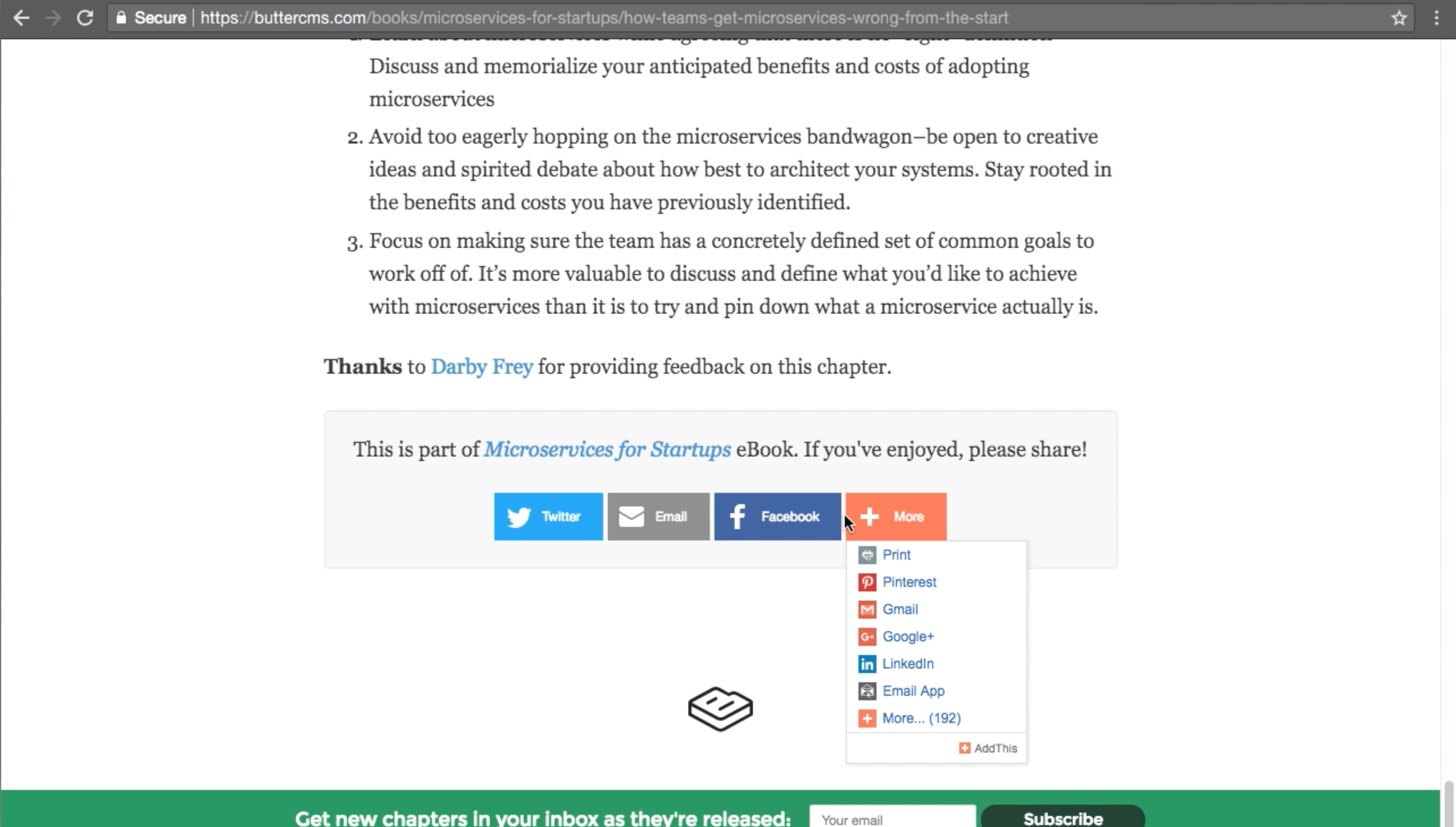
These services provide a small JavaScript snippet you add to your page, similar to the old AddThis approach.
{/* IMAGE_SOURCE: file_path="knowledge-base/how-to/seo-optimization.md" */}
[](https://buttercms.com/books/microservices-for-startups/how-teams-get-microservices-wrong-from-the-start)