> ## Documentation Index
> Fetch the complete documentation index at: https://buttercms.com/docs/llms.txt
> Use this file to discover all available pages before exploring further.
# Overview
> Overview of ButterCMS's three content types — Pages, Collections, and Blog Engine — what each does and how to choose the right model for your content.
ButterCMS offers three main content types: **Pages**, **Collections**, and **Blog Engine**. Choosing the right one for your needs is crucial for building a scalable, maintainable content model.
## ButterCMS content types
Click on any of the cards below to dive into that content type in depth.
**Think:** Building Blocks
**Best for:** Unique layouts and flexible content structures
**Examples:** Landing pages, product pages, case studies
**Think:** A shared spreadsheet
**Best for:** Reusable structured data
**Examples:** Categories, team members, FAQs, testimonials
**Think**: Just write and publish
**Best for:** Chronological content with built-in features
**Examples:** Blog posts, news articles, updates
## Mapping a website to ButterCMS
## From design to CMS
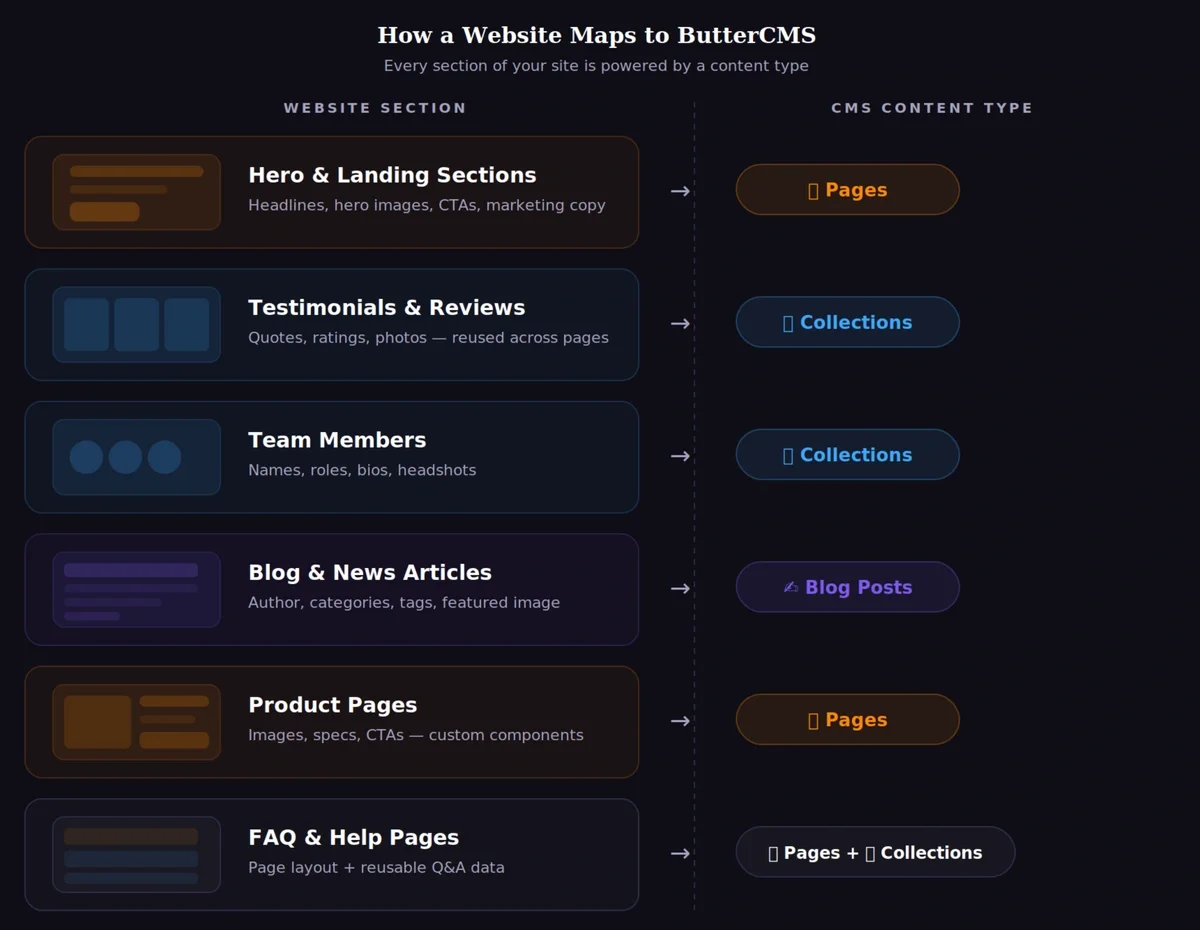
Use this mental model to map a Figma (or other design) layout into ButterCMS content types:
* **Page sections** become Page components (hero, features, CTA, etc.).
* **Repeatable grids** become Collections (testimonials, team members, FAQs).
* **Blog lists** map to Blog Posts (authors, categories, tags).
* **Pages + Collections** combine when a page layout pulls reusable data.
## Pages
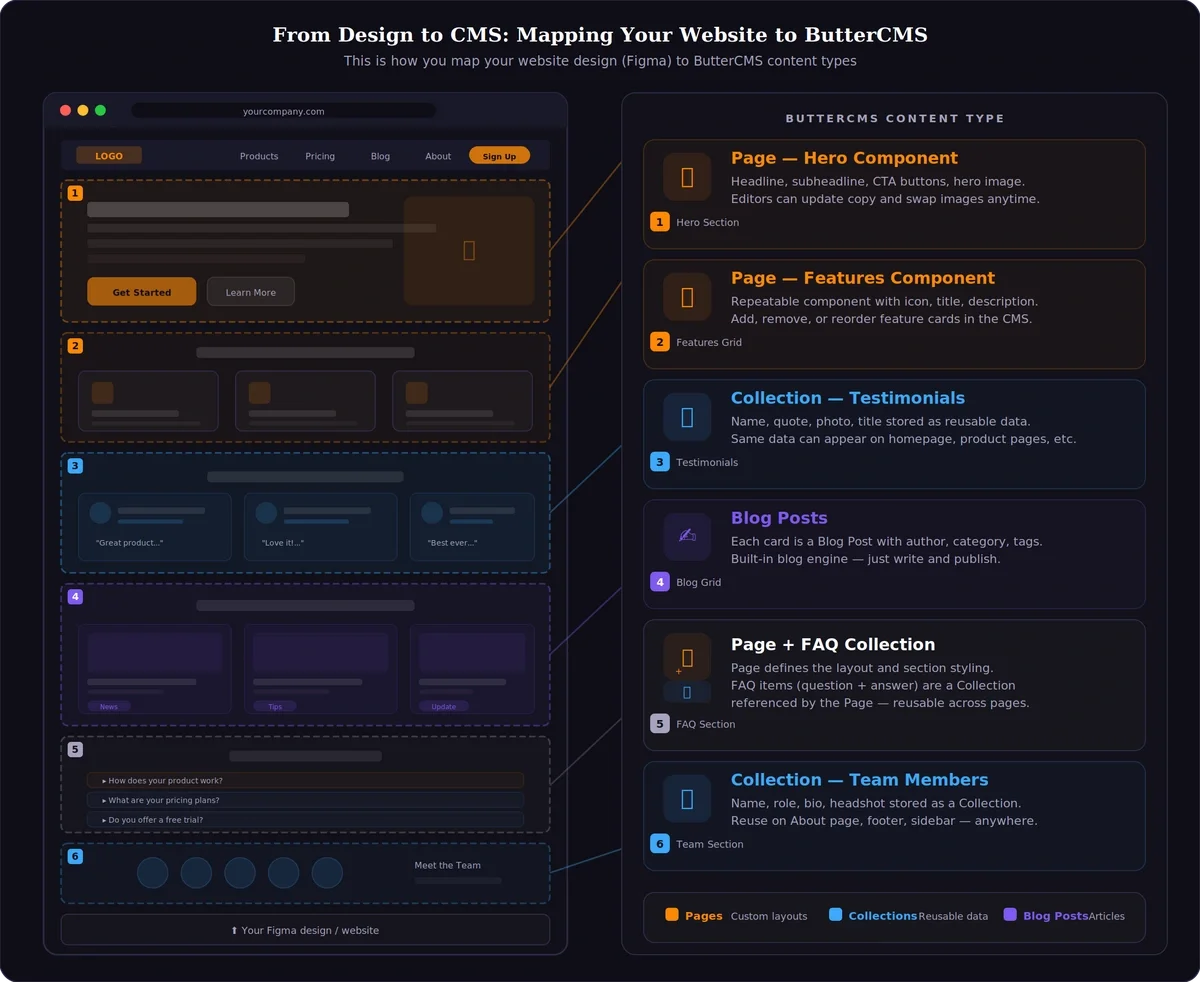
ButterCMS's Page content type provides an easy and flexible way to manage and display complex data. Pages can break up text and images with CTAs, image galleries, forms, and other interactive content to engage with your end users.
### When to use Pages
Create dynamic landing pages with customizable sections, hero images, feature lists, and call-to-action buttons.
Build product detail pages with specifications, images, reviews, and related products.
Create company information pages with team member bios, company history, and mission statements.
When you need more flexibility than the built-in blog engine, Pages with Components offer unlimited customization.
### Key features of Pages
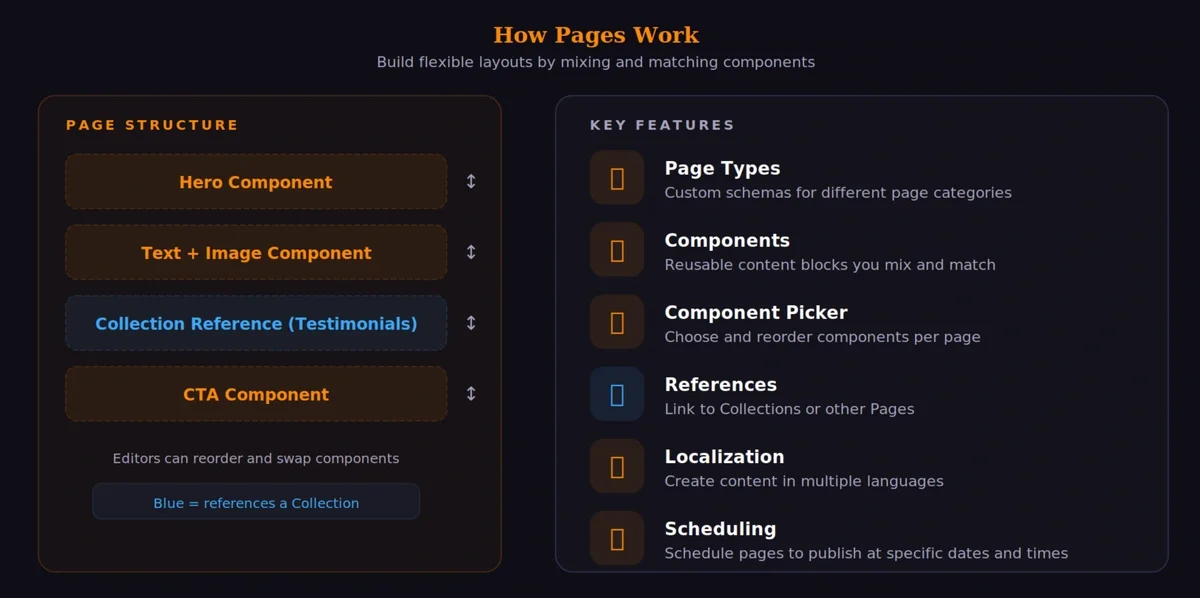
| Feature | Description |
| -------------------- | ------------------------------------------------------------------------ |
| **Page Types** | Define custom schemas with specific fields for different page categories |
| **Components** | Add reusable content blocks that can be mixed and matched |
| **Component Picker** | Allow editors to choose from multiple components and reorder them |
| **References** | Link to Collections or other Pages for related content |
| **Localization** | Create content in multiple languages |
| **Scheduling** | Schedule pages to publish at specific dates and times |
## Collections
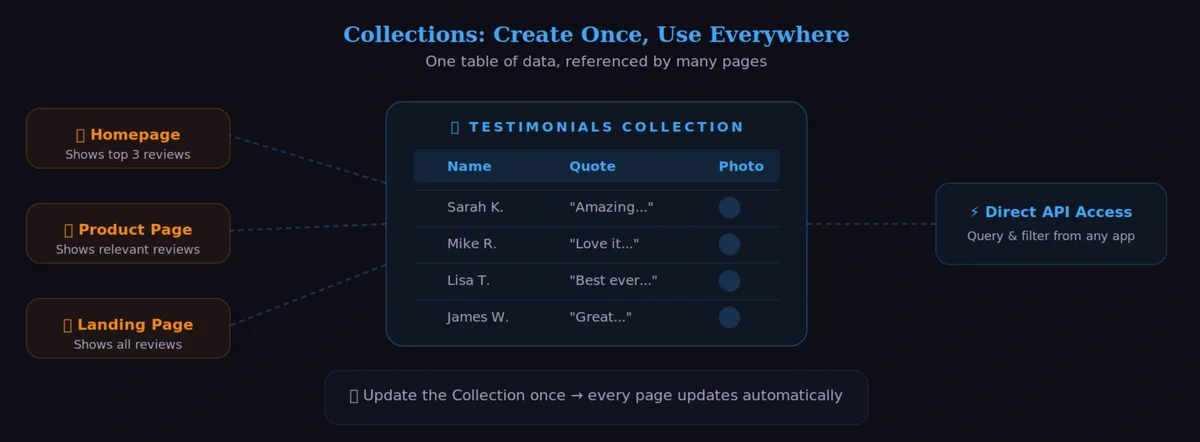
Collections are tables of data to be referenced by Pages, extending the use cases that you can achieve with ButterCMS. Collections can also be queried from the API directly.
### When to use Collections
Use Collections as filterable properties for your Pages. The simplest example would be to add Categories to your Pages.
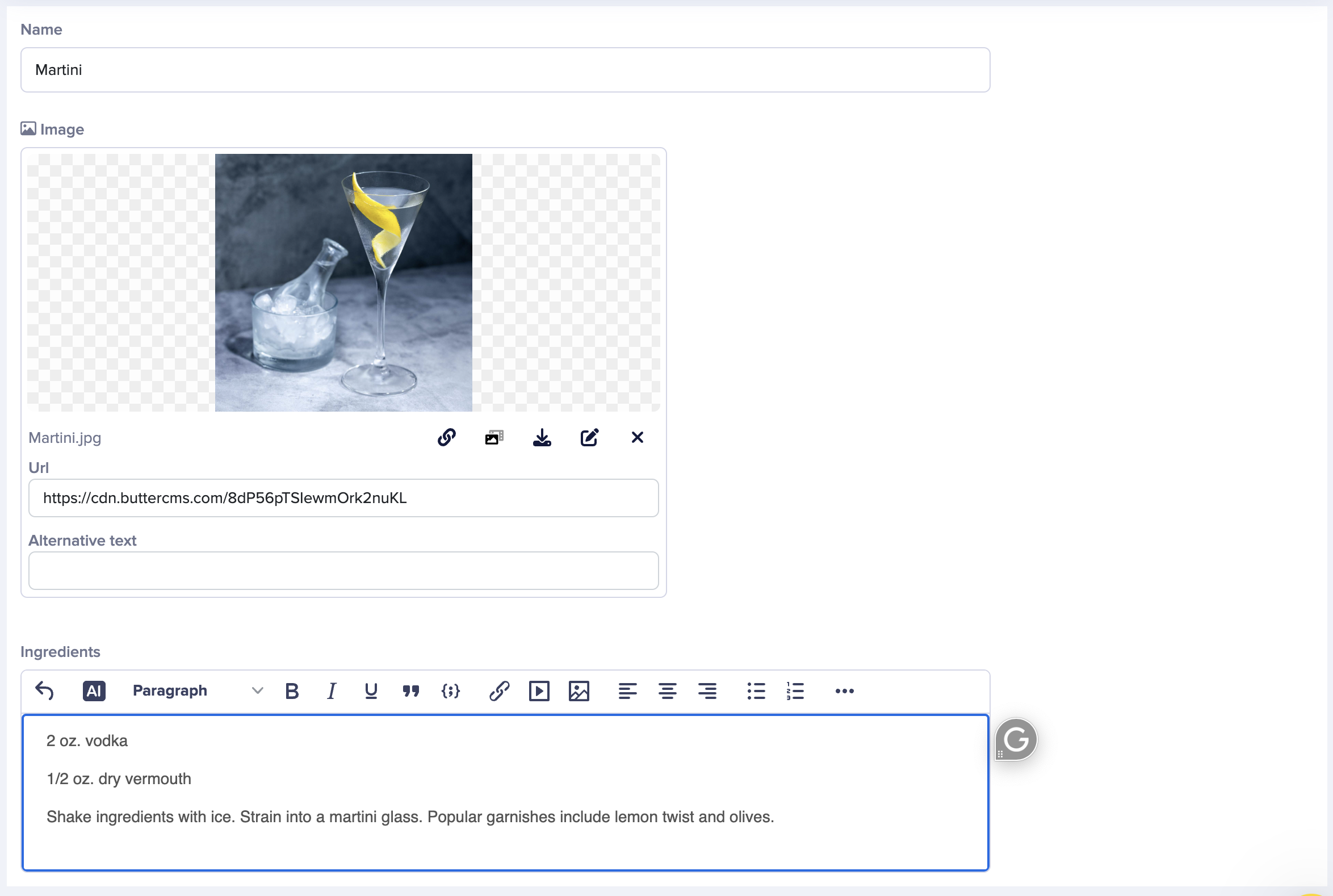
Store reusable content like customer testimonials, team members, or featured products that can be referenced by multiple pages.
Create related data structures like Albums and Artists, Products and Categories, or FAQ questions and answers.
{/* IMAGE_SOURCE: file_path="knowledge-base/content-modeling-basics/use-cases-for-buttercms-collections.md" */}
### Collection examples
| Collection Type | Fields | Use Case |
| ---------------- | ------------------------- | ---------------------------- |
| **Categories** | Name, Slug | Organize pages or products |
| **Testimonials** | Name, Quote, Photo, Title | Display on marketing pages |
| **Team Members** | Name, Role, Bio, Headshot | About/Team pages |
| **FAQ Items** | Question, Answer | Help center or product pages |
| **Locations** | City, Address, Hours, Map | Store locator pages |
## Blog Posts
The Blog Engine is ButterCMS's built-in solution for managing blog content. It comes pre-configured with everything you need to run a blog.
### Built-in blog features
* **Authors** - Manage author profiles with name, bio, and photo
* **Categories** - Organize posts into categories
* **Tags** - Add multiple tags for fine-grained organization
* **Featured Images** - Each post can have a featured/hero image
* **SEO Fields** - Meta title and description for search optimization
* **Rich Text Editor** - Full WYSIWYG editor for post content
### When to use Blog Posts
For traditional blog posts with text content, images, and standard metadata like author, date, and categories.
Company news, product updates, and announcements that follow a consistent format.
When you need to publish content quickly without setting up custom schemas.
**Blog Posts vs. Custom Pages**: If you need highly customized layouts with multiple components, consider using Pages with a Component Picker instead of the Blog Engine.
## Modeling content: making decisions
How to figure out which content type is best for your use case, including a feature comparison matrix and example cases.
General principles and best practices for designing a robust and scalable content model in ButterCMS.
## Explore field types
Understand the different field types offered by ButterCMS, including what kinds of data they allow, what content types they can be used with, and some basic use cases.