> ## Documentation Index
> Fetch the complete documentation index at: https://buttercms.com/docs/llms.txt
> Use this file to discover all available pages before exploring further.
# AI-generated product descriptions
> Generate, refine, and optimize product descriptions at scale with ButterCMS AI integrations. Save time & maintain catalog consistency.
## Setting up product Collections
Before using AI for product descriptions, you need a well-structured product catalog. In ButterCMS, create a Page Type or Collection called "Product" with fields like:
* **Title** - Product name
* **Description** - Main product description (WYSIWYG for AI enhancement)
* **Price** - Product pricing
* **Features** - Key product features (Repeater field)
* **Short description** - Brief summary for listings
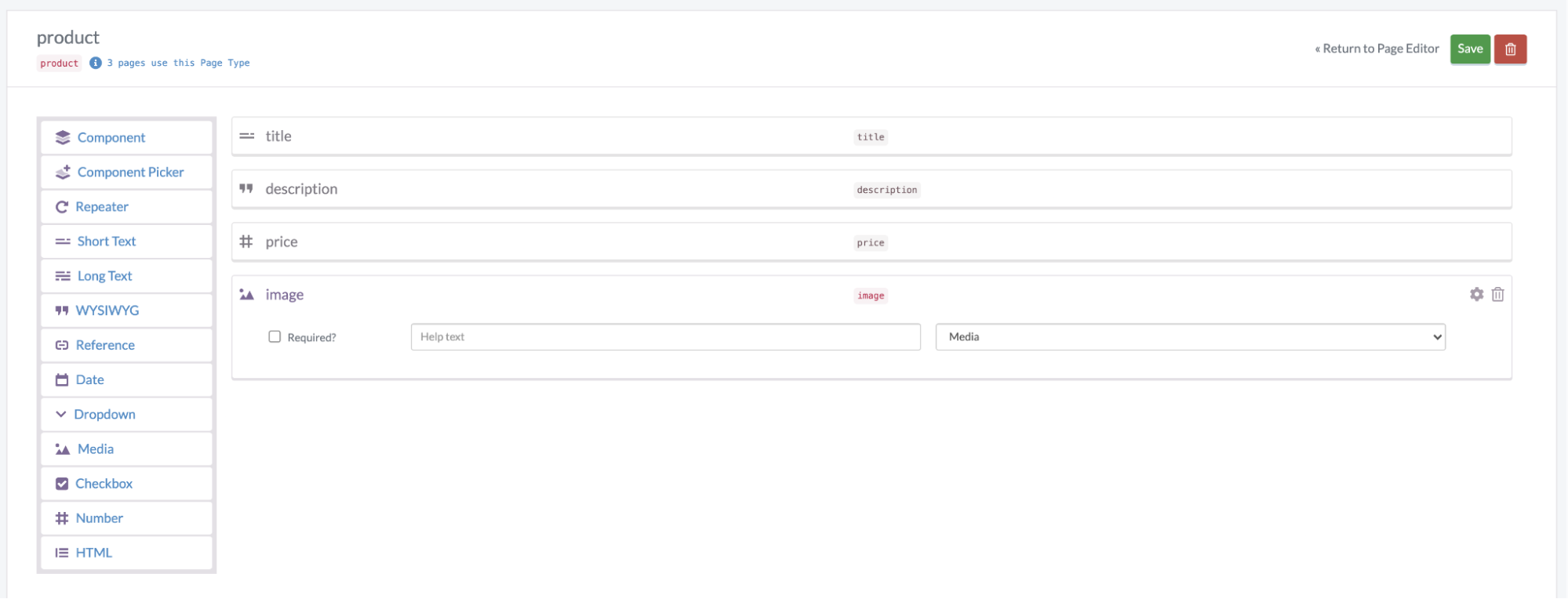
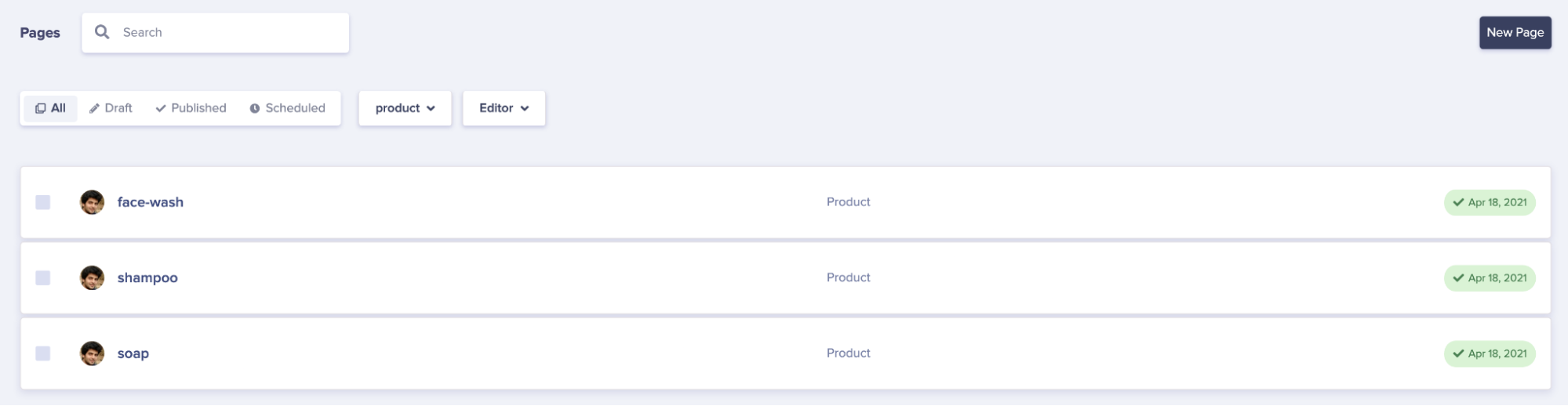
Once your schema is set up, you can add products and use the AI Assistant to enhance their descriptions.
## Using the AI assistant for product descriptions
The built-in AI Assistant in ButterCMS's WYSIWYG editor is perfect for generating product descriptions. Access it directly from the editor toolbar to:
* Generate descriptions from basic product information
* Rewrite existing descriptions for different audiences
* Enhance descriptions with persuasive language
* Create variations for A/B testing
## Effective prompt strategies
For best results, use structured prompts when generating product descriptions. The **RACE framework** is effective for structuring prompts:
### RACE framework for product descriptions
* **Role**: "You are an expert e-commerce copywriter specializing in \[industry]"
* **Action**: "Write a compelling product description"
* **Context**: Provide product details, target audience, and brand voice
* **Expectation**: "The description should be 150-200 words, highlight key benefits, and include a call-to-action"
### Example prompts for different product types
**Prompt**: "You are a tech product copywriter. Write a compelling description for a wireless Bluetooth speaker. Key features: 20-hour battery life, waterproof IPX7, 360-degree sound, pairs with 2 devices. Target audience: outdoor enthusiasts aged 25-40. Tone: energetic but informative. Include technical specs naturally."
**Prompt**: "You are a luxury fashion copywriter. Create an enticing description for a cashmere sweater. Details: 100% Mongolian cashmere, hand-finished, available in 6 colors. Target: affluent professionals seeking quality basics. Tone: sophisticated, aspirational. Emphasize craftsmanship and versatility."
**Prompt**: "You are a food marketing specialist. Write a mouth-watering description for an artisan coffee blend. Notes: Ethiopian single-origin, hints of dark chocolate and citrus, medium roast. Target: coffee connoisseurs. Tone: passionate, sensory-focused. Include brewing suggestions."
**Prompt**: "You are a home decor copywriter. Describe a modern minimalist desk lamp. Features: adjustable arm, dimmable LED, USB charging port, matte black finish. Target: home office workers. Tone: clean, functional. Highlight design and practicality."
## Scaling product description generation
For catalogs with hundreds or thousands of products, consider this workflow:
### Batch processing workflow
1. **Prepare Product Data**
* Export product information (name, category, features, specs)
* Organize by category for consistent prompts
2. **Create Category-Specific Prompts**
* Develop template prompts for each product category
* Include brand voice guidelines and SEO keywords
3. **Generate Initial Descriptions**
* Use the AI Assistant to generate descriptions
* Process similar products in batches
4. **Human Review & Refinement**
* Review AI-generated content for accuracy
* Adjust for brand voice consistency
* Add unique selling points
5. **Publish & Monitor**
* Track performance metrics (conversion rates, bounce rates)
* Iterate on prompts based on results
## Using the Write API for automation
For large-scale automation, you can combine external AI tools with ButterCMS's Write API to programmatically create and update product descriptions:
```javascript theme={null}
const Butter = require('buttercms');
const butter = Butter('');
// Example: Update product description via Write API
async function updateProductDescription(productSlug, newDescription) {
try {
await butter.page.update('product', productSlug, {
fields: {
description: newDescription
}
});
console.log('Product description updated successfully');
} catch (error) {
console.error('Error updating product:', error);
}
}
```
## Best practices for AI product descriptions
**Always review AI-generated content before publishing.** AI can produce inaccurate information or miss important product details.
### Do's
| Practice | Why It Matters |
| -------------------------------- | -------------------------------------------- |
| Include specific product details | AI performs better with concrete information |
| Specify your target audience | Helps AI tailor tone and language |
| Define word count limits | Ensures consistent description lengths |
| Mention SEO keywords | Incorporates search optimization |
| Request benefit-focused copy | Connects features to customer value |
### Don'ts
| Avoid | Reason |
| ------------------------------- | --------------------------------------------- |
| Generic prompts without context | Results in bland, unhelpful descriptions |
| Publishing without review | May contain inaccuracies or off-brand content |
| Ignoring brand voice | Creates an inconsistent customer experience |
| Over-relying on AI superlatives | Can seem inauthentic or salesy |
| Copying competitor descriptions | AI may inadvertently plagiarize |
## Personalizing descriptions for different audiences
You can also use ButterCMS Collections to store different description variants for different audience segments. Create a personalization Collection that stores product description variations:
* **Segment Name** - Customer grouping from your CRM or CDP
* **Product Recommendations** - Reference to relevant products
* **Description Variant** - Tailored description for this segment
This allows you to serve different AI-generated descriptions based on customer segments.