> ## Documentation Index
> Fetch the complete documentation index at: https://buttercms.com/docs/llms.txt
> Use this file to discover all available pages before exploring further.
# Adding default values to fields
> Set default values on ButterCMS fields to pre-populate common data, reduce repetitive entry, and maintain consistency across your content.
## What are default values?
Default values are preset values that automatically appear in fields when you create new content. They serve as starting points that you can keep or modify as needed.
**Important distinction**:
* **Required fields** must have a value before saving (marked with \*)
* **Default values** provide a starting value but can be changed
A field can be both required AND have a default value, ensuring it's never left empty.
### Benefits of default values
| Benefit | Description |
| ------------------ | --------------------------------------------- |
| **Time savings** | Skip repetitive data entry for common values |
| **Consistency** | Ensure standard values across similar content |
| **Reduced errors** | Fewer blank fields and typos |
| **Guidance** | Show content editors what's expected |
## Where default values appear
Default values can be set for various field types in Pages, Collections, and Blog Posts. Click any of the field type cards below to see the field's configuration options.
Pre-filled text for headlines, descriptions, or labels
Pre-selected option from the available choices
Default checked or unchecked state
Default numeric values
Pre-filled date or timestamp values
Default color selections
Default media file selections
## How default values work
You can clear a default value from the field and leave it blank. If you frequently need to clear a default value, ask your developer if the default should be changed or removed.
### When creating new content
1. You create a new Page, Collection item, or Blog Post
2. Fields with default values appear pre-filled
3. You can keep the default or change it
4. Save or publish as normal
### When editing existing content
* Default values only apply to **new** content
* Existing content keeps its current values
* Changing a default value in the item schema doesn't update existing content
Default values are set by your developer when they configure the content types. If you need different defaults, contact your development team.
## Common default value examples
**SEO fields**
| Field | Common Default | Reason |
| ---------------- | ----------------- | ---------------------------------------- |
| Meta Title | Page title | Usually want the title as the meta title |
| Meta Description | Empty or template | Needs customization |
**Content fields**
| Field | Common Default | Reason |
| ------------ | -------------------- | ------------------------- |
| Status | "Draft" | Don't publish until ready |
| Author | Current user | Most likely author |
| Publish Date | Today's date | Common starting point |
| Category | Most common category | Saves time |
**Boolean/checkbox fields**
| Field | Common Default | Reason |
| ------------------ | -------------- | -------------------------- |
| Featured | Unchecked | Most items not featured |
| Show in Navigation | Checked | Usually want pages visible |
| Allow Comments | Checked | Enable by default |
## Help text and field guidance
Fields may include **Help Text** below them that provides guidance on what information should be entered. This is configured by your developer to clarify expectations.
{/* IMAGE_SOURCE: file_path="knowledge-base/content-modeling-basics/content-fields.md" */}
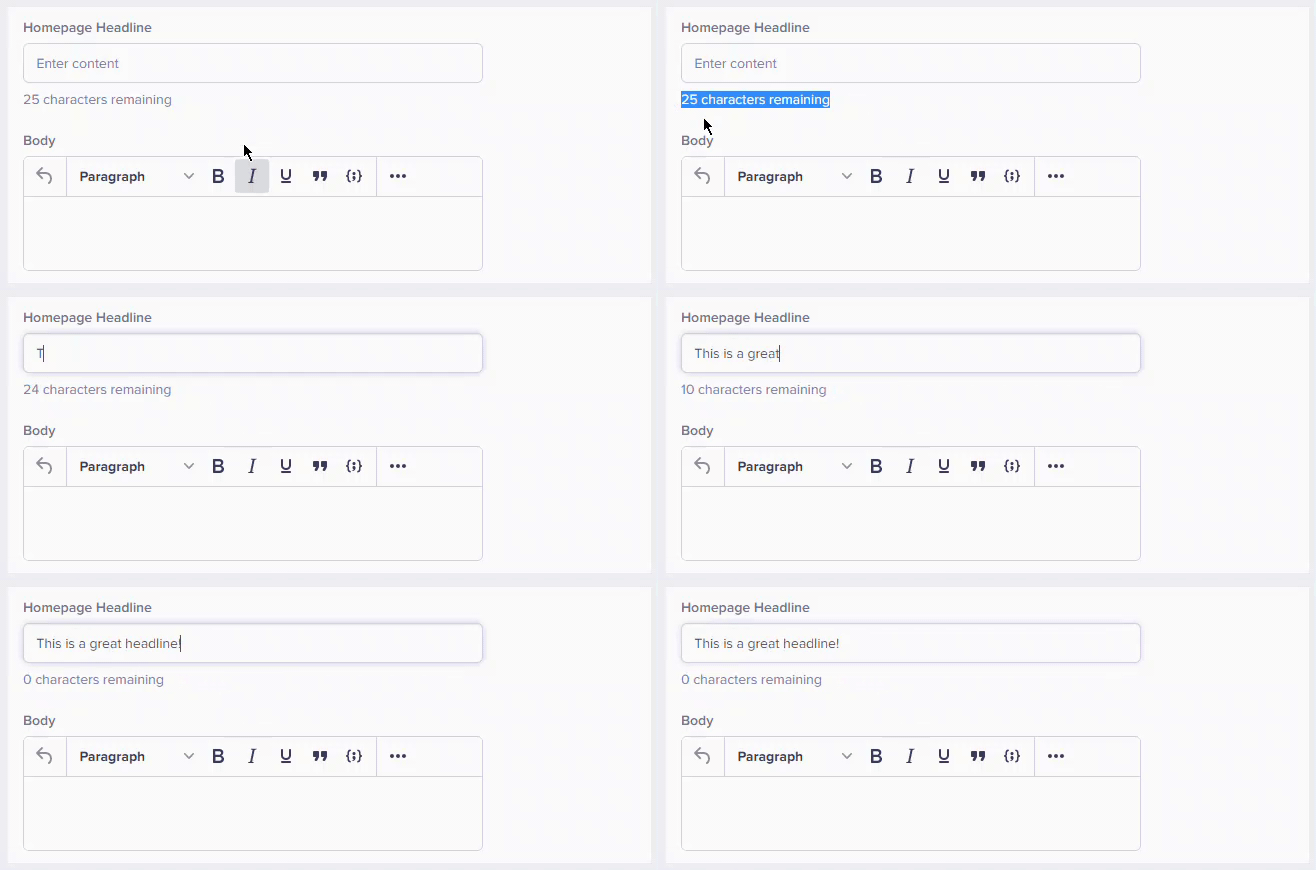
Look for help text below the fields. It often explains what the default value represents and when you might want to change it.