> ## Documentation Index
> Fetch the complete documentation index at: https://buttercms.com/docs/llms.txt
> Use this file to discover all available pages before exploring further.
# Form integrations in the dashboard
> Enable ButterCMS form integrations and add provider fields to your content schemas.
{/* /SOURCE */}
Need rendering and embedding examples? See [Rendering Integrated Forms](../../../build-your-app/rendering-complex-field-types/form-integrations).
## Supported form providers
ButterCMS offers native integrations with three leading form builders:
| Provider | Best For | Key Features |
| ------------- | -------------------------------- | ---------------------------------------------- |
| **Typeform** | Conversational forms, surveys | One question at a time, brand kits, AI-powered |
| **Jotform** | Payment collection, robust forms | 150+ integrations, drag-and-drop, payments |
| **Formstack** | Workflow automation | Enterprise workflows, HIPAA compliance |
***
## Typeform integration
[Typeform](https://www.typeform.com/) is an online form building and survey tool that helps teams create dynamic forms based on user needs. With Typeform, you can:
* **Make your surveys instantly recognizable** - Use brand kits to add logos, colors, and styles to your surveys, then smoothly embed them in landing pages and emails without any coding.
* **Get survey takers to share more** - Call people by their name, adapt follow-up questions to their answers, and end your survey on a personal note.
* **Let the whole journey happen in your survey** - Build surveys with AI, let people schedule time, run calculations, or score leads—and follow up with personalized, automated messages.
### Enabling Typeform
To enable your Typeform integration:
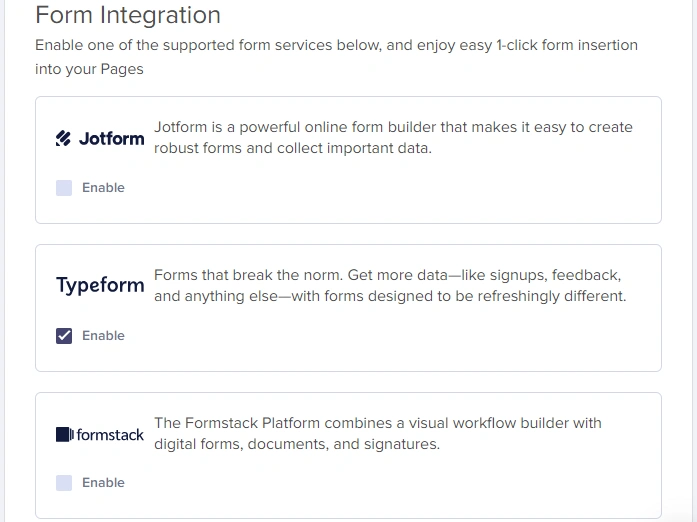
1. Go to **Settings** > **Integrations**
2. Tick the Typeform checkbox to enable it
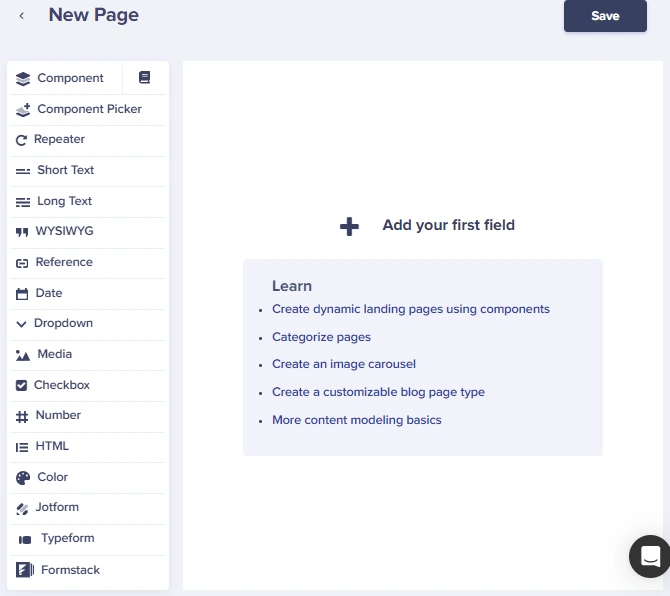
After integrating Typeform into your ButterCMS account, you will see a new content field that you can add to your schema when creating or editing your pages and/or Page Types.
### Adding a Typeform to your Page
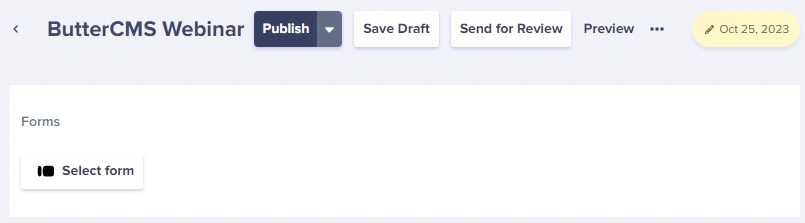
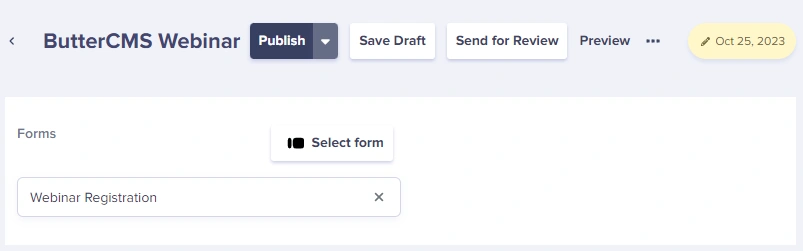
The first time you try adding a form to your Page, the system will prompt you to log into your Typeform account.
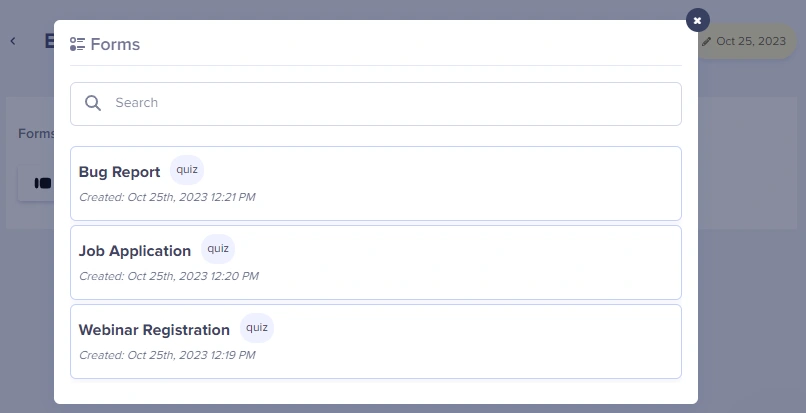
We then dynamically load a list of all of your forms into the Butter dashboard.
***
## Jotform integration
[Jotform](https://www.jotform.com/) is a powerful online form builder that makes it easy to create robust forms and collect important data.
* **Build the form you need in minutes** - Jotform's Online Form Builder allows you to create professional-looking forms with no coding. You can then style your forms with your own logo, fonts, and colors.
* **Integrate your form with business apps** - Automatically send form submissions to email marketing services, project management boards, CRMs, cloud storage apps, and more with Jotform's 150+ integrations.
* **Collect online payments seamlessly** - Whether you're selling a product, accepting a fee, or collecting a donation, Jotform allows you to get paid directly through your form.
### Enabling Jotform
To enable your Jotform integration:
1. Go to **Settings** > **Integrations.**
2. Tick the Jotform checkbox to enable it.
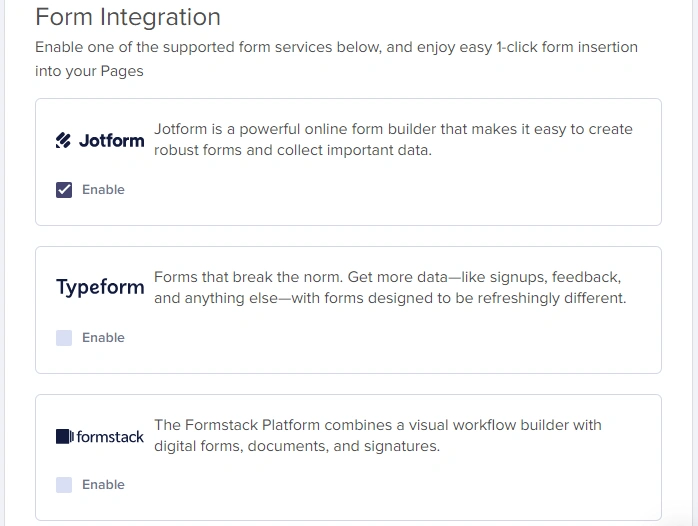
After integrating Jotform into your ButterCMS account, you will see a new content field to add to your schema when creating or editing your pages and/or Page Types.
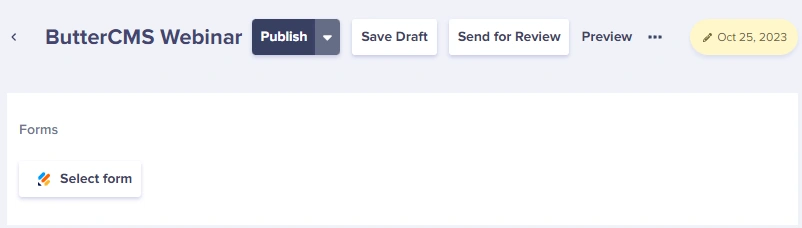
### Adding a Jotform to your Page
The first time you try adding a form to your Page, the system will prompt you to log into your Jotform account.
***
## Formstack integration
[Formstack Forms](https://www.formstack.com/products/online-forms) is an intuitive, drag-and-drop form and workflow builder that allows businesses to collect information that matters and automate processes. With Formstack Forms, organizations can create professionally branded, mobile-friendly online forms in minutes and start gathering payments, feedback, event registrations, and more.
A Formstack Forms plan is required for use with this integration.
### Enabling Formstack
To enable your Formstack integration:
1. Go to **Settings** > **Integrations.**
2. Tick the Formstack checkbox to enable it.
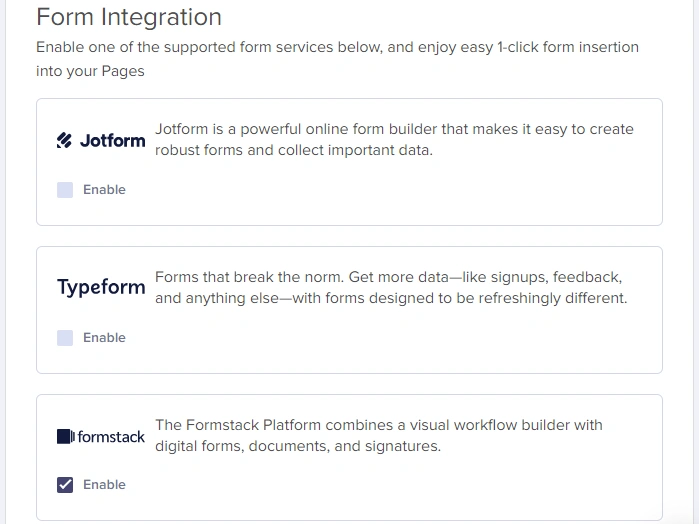
After you have integrated Formstack into your ButterCMS account, you will see a new content field that you can add to your schema when creating or editing your pages and/or Page Types.
### Adding a Formstack form to your Page
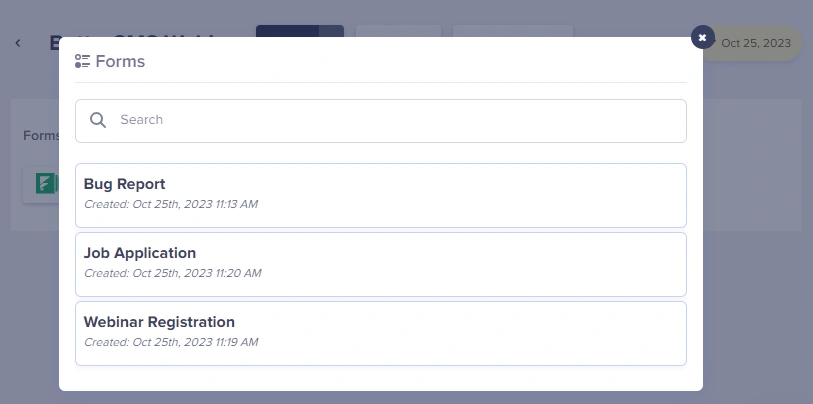
The first time you try adding a form to your Page, the system will prompt you to log into your Formstack account.
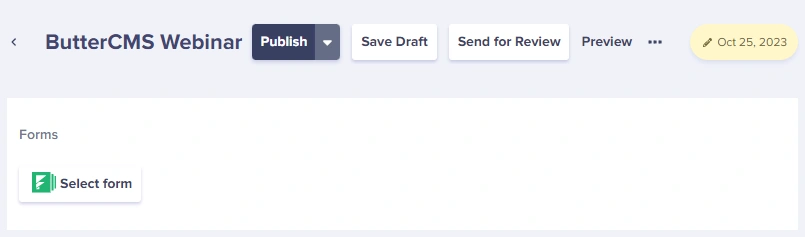
We then dynamically load a list of all of your forms into the Butter dashboard.
***
## Choosing the right form provider
Feature availability may vary by plan. Verify current capabilities on each provider's website before making a decision.
| Consideration | Typeform | Jotform | Formstack |
| ------------------------ | --------- | --------- | --------- |
| **Conversational UX** | Excellent | Good | Good |
| **Payment Collection** | Limited | Excellent | Good |
| **Enterprise Workflows** | Limited | Good | Excellent |
| **HIPAA Compliance** | ❌ | ✅ (paid) | ✅ |
| **Free Tier** | ✅ | ✅ | ❌ |
| **React Package** | Official | Community | None |
## Next steps
Learn how to embed any form in your content
Build custom forms with ButterCMS Collections