> ## Documentation Index
> Fetch the complete documentation index at: https://buttercms.com/docs/llms.txt
> Use this file to discover all available pages before exploring further.
# Organizing media
> Keep your Media Library organized with Fast Tags and efficient bulk operations to easily find and manage media across your team.
## Fast tags
Fast Tags help you organize your media files so you can easily recall them later.
### Adding tags to media
1. In the Media Library, click on the tag icon next to a file
2. Start typing your tag name and push Enter
3. You can add multiple tags to each file
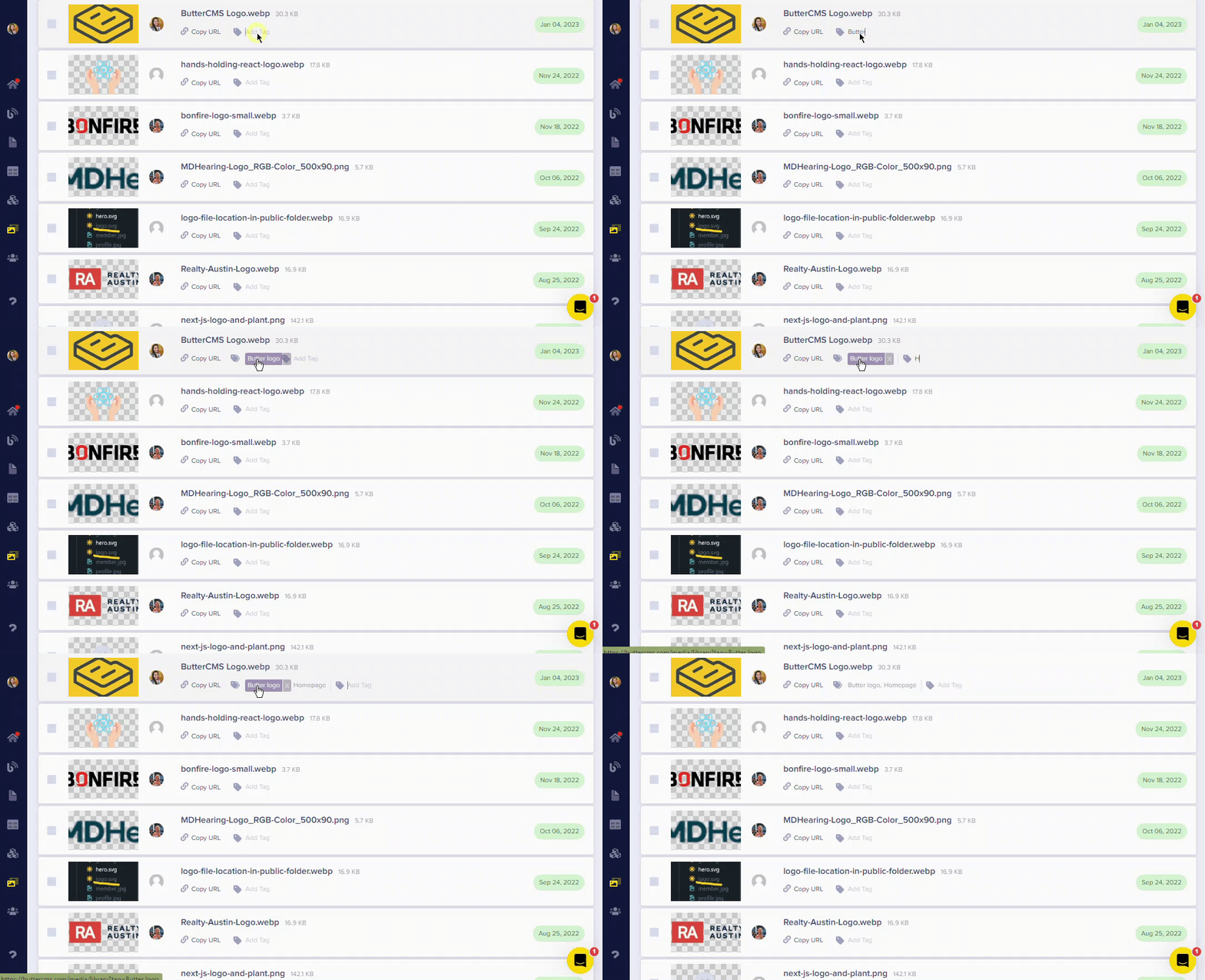
You can add as many tags as you want to each media file. This allows you to organize a large amount of media in any way that works for your team.
## Organization best practices
Create tags that describe content type, project, or category (e.g., "hero-images", "team-photos", "blog-thumbnails")
Use consistent file naming conventions before uploading
Periodically review and remove unused media to keep your library tidy
Establish tagging conventions that work for your entire team