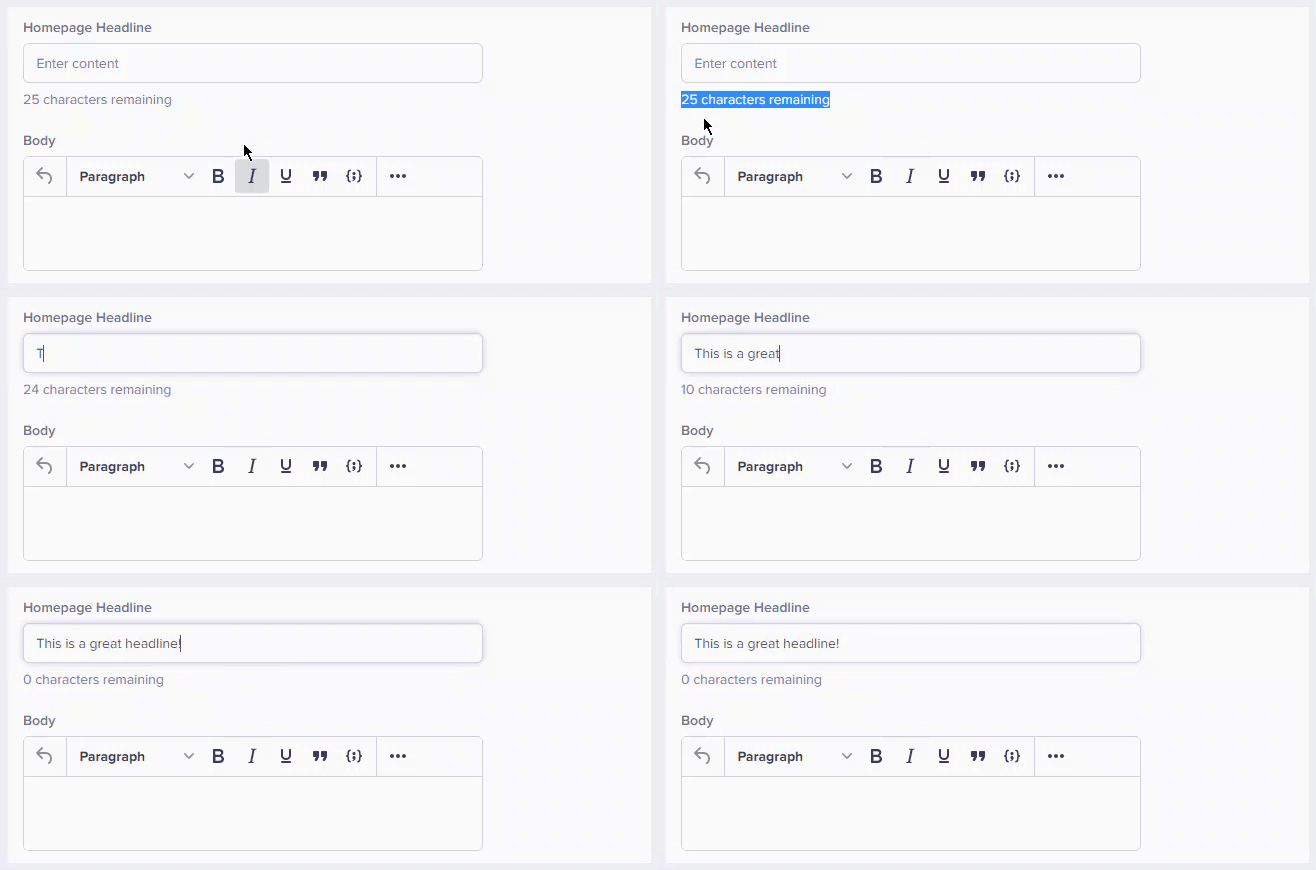
What are default values?
Default values are preset values that automatically appear in fields when you create new content. They serve as starting points that you can keep or modify as needed.Benefits of default values
Where default values appear
Default values can be set for various field types in Pages, Collections, and Blog Posts. Click any of the field type cards below to see the field’s configuration options.Text fields
Pre-filled text for headlines, descriptions, or labels
Dropdowns
Pre-selected option from the available choices
Checkboxes
Default checked or unchecked state
Number fields
Default numeric values
Date fields
Pre-filled date or timestamp values
Color fields
Default color selections
Media fields
Default media file selections
How default values work
When creating new content
- You create a new Page, Collection item, or Blog Post
- Fields with default values appear pre-filled
- You can keep the default or change it
- Save or publish as normal
When editing existing content
- Default values only apply to new content
- Existing content keeps its current values
- Changing a default value in the item schema doesn’t update existing content
Default values are set by your developer when they configure the content types. If you need different defaults, contact your development team.
Common default value examples
SEO fields
Content fields
Boolean/checkbox fields
Help text and field guidance
Fields may include Help Text below them that provides guidance on what information should be entered. This is configured by your developer to clarify expectations.