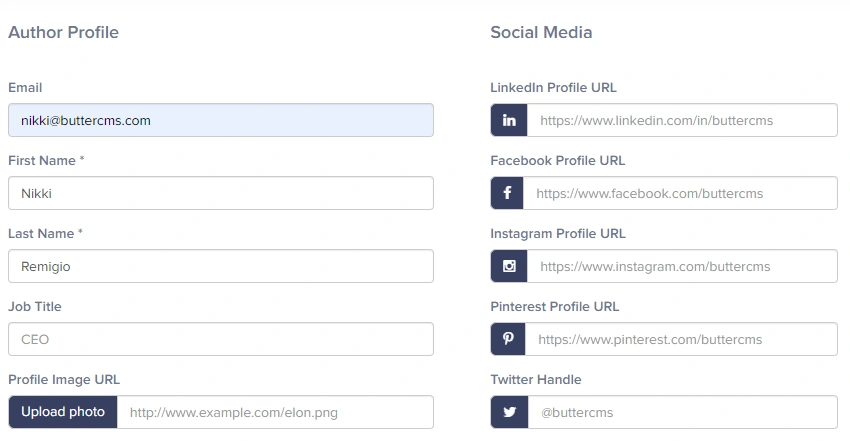
Accessing your settings
To access your account settings:- Hover on your profile icon in the top-right corner of the dashboard
- Select Settings from the dropdown menu
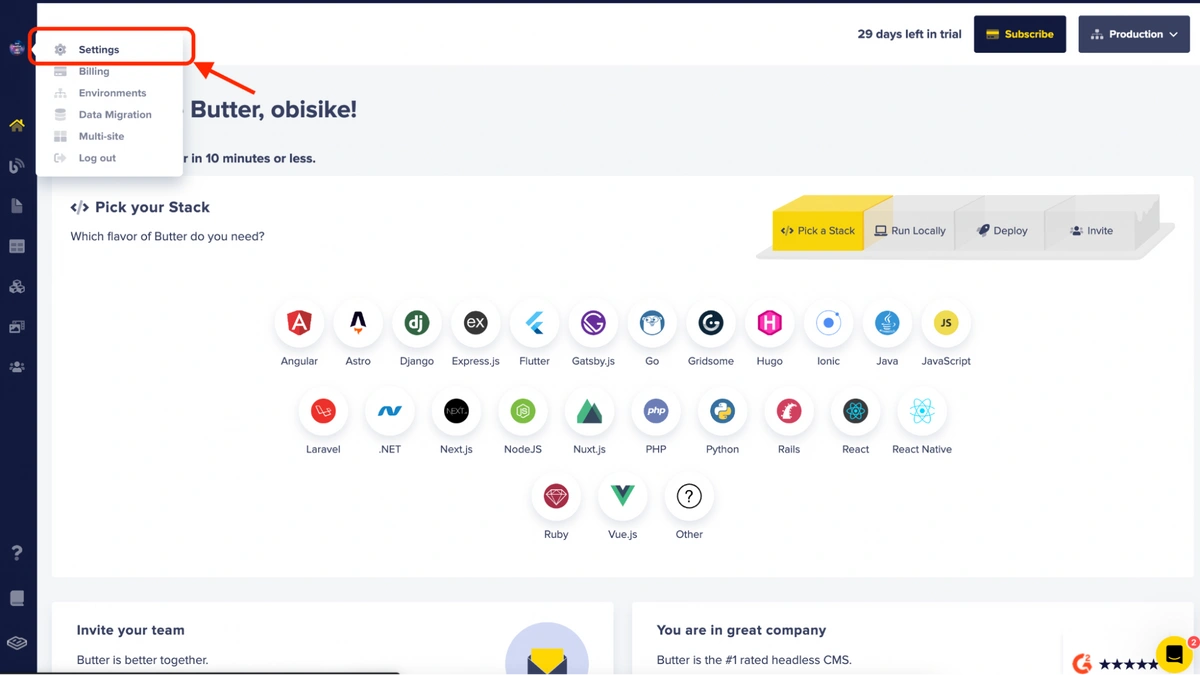
The account settings menu is for organization wide settings, and includes management options for:
- general settings, including timezone (for content updated/published/scheduled timestamps), API token access, whether author email addresses are included in Blog API responses, and two-factor authentication access.
- third-party integrations, including storing API keys for external services
- blog settings for your ButterCMS Blog engine
- localization/locales settings
- configuring webhooks
- preview settings for in-app previewing of content changes
Password management
For information on password requirements, resetting your password, and SSO password handling, see Password authentication.Security settings
Multi-Factor Authentication
Learn how to enable and configure MFA for your account
Single Sign-On (SSO)
Set up SSO with your identity provider (Enterprise)
Frequently asked questions
Can I change the email for my account?
Can I change the email for my account?
No, this is not possible. Once an email is linked to an account, you can no longer change it. The best way to go about this is to add your new email as another user on your account, then have the old user profile removed.
How do I transfer the ownership of my account to someone else?
How do I transfer the ownership of my account to someone else?
Please send an email to support@buttercms.com or chat with us to process this request for you. Account ownership transfers require verification and are handled by the ButterCMS support team.
Click on the Users tab from the main menu and then click on the profile of the user you would like to remove access for. Once their profile is displayed, remove the email address from their profile then click on the Update User button at the bottom.