
Toolbar
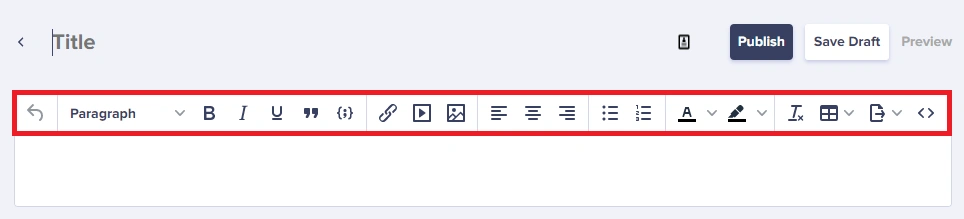 The toolbar groups tools by task:
- Formatting: headings, bold, italic, underline, lists, alignment, quote, code
- Color: text color and highlight
- Media: links, images/files, video embeds, tables
- Utilities: undo/redo, clear formatting, source code, export, accessibility, LTR/RTL
Format text
Headings
- Select text.
- Choose a heading from Formats.
Emphasis and lists
- Bold:
Ctrl+BorCmd+B - Italic:
Ctrl+IorCmd+I - Underline:
Ctrl+UorCmd+U - Bullets: click the bullet icon or start a line with
- - Numbers: click the number icon or start a line with
1.
Block quotes
Select text and click Quote.Keyboard shortcuts
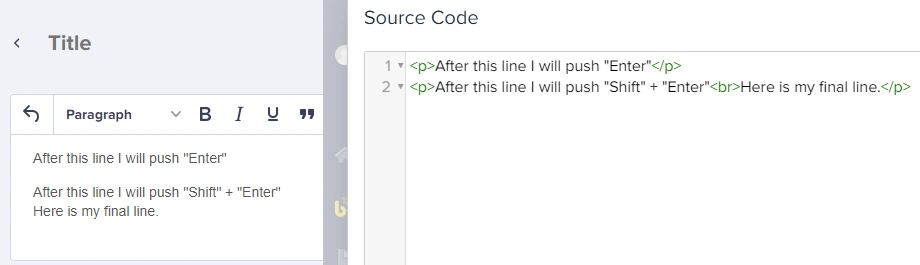
Line breaks vs paragraphs
Links
- Select the text you want to link.
- Press
Ctrl+Kor click Link. - Enter the URL and choose the target.
- Click OK.
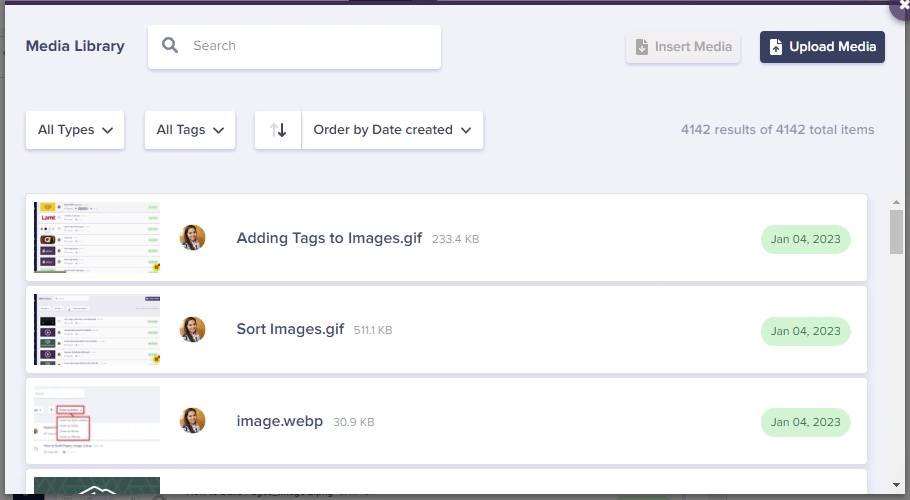
Images
- Click Insert from Media Library.
- Choose an existing image or upload a new one.
- Add an Alternative Description and optional caption.
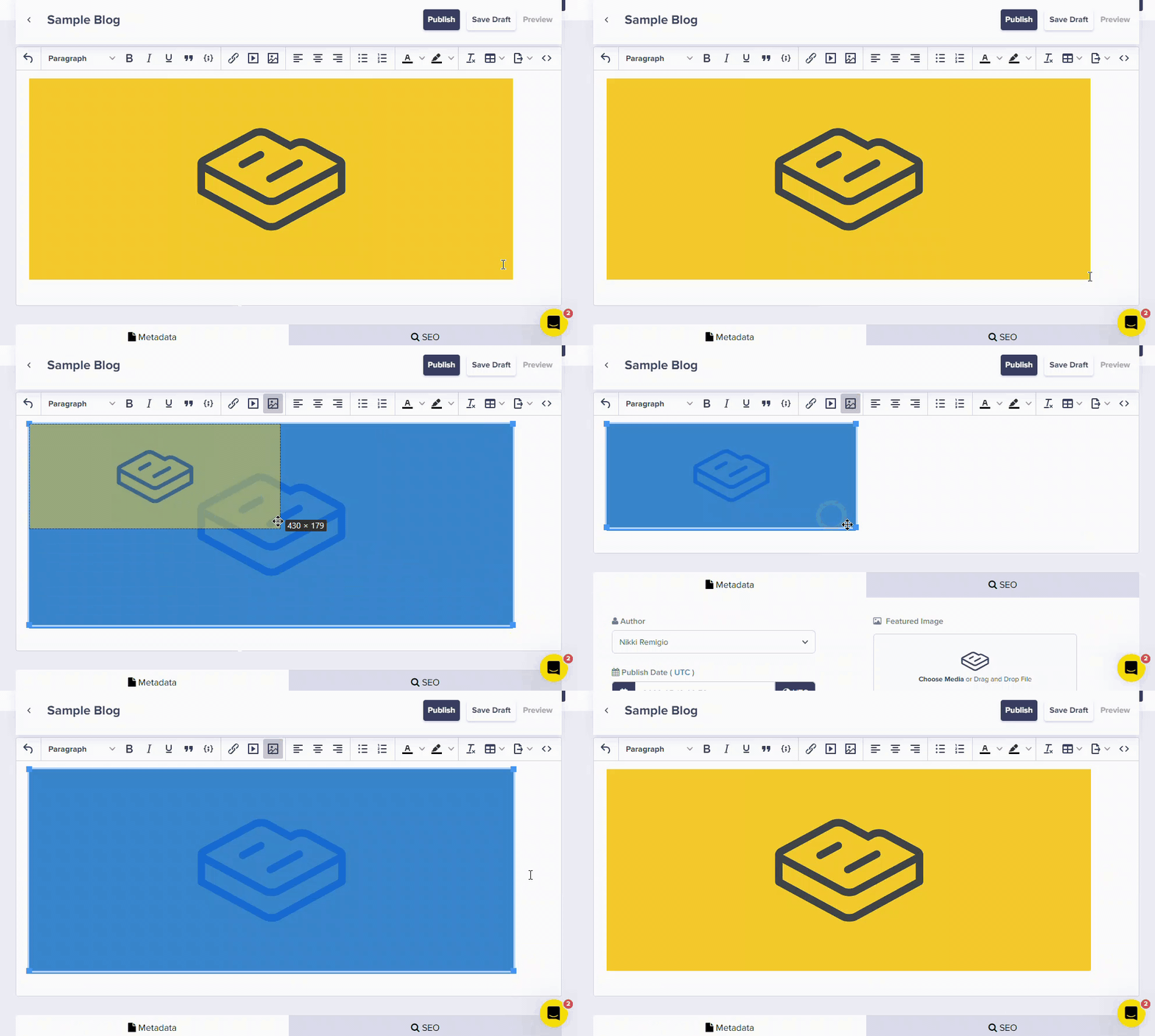
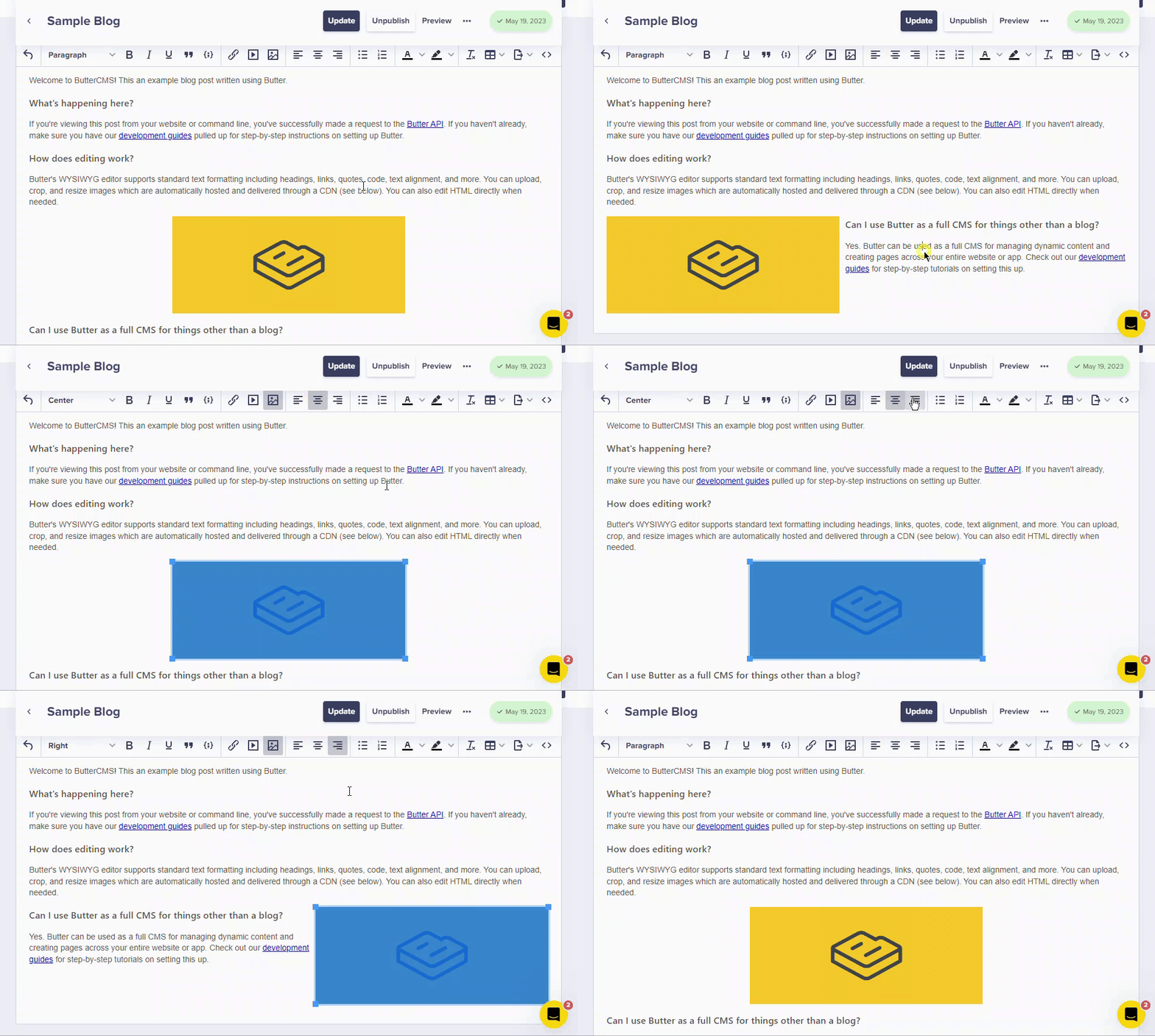
 To resize or align an image, click it and use the resize handles or alignment tools.
Embedding media
Videos
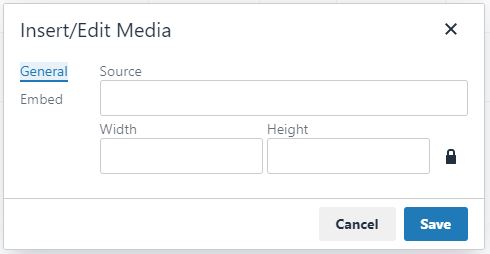
- Click Insert/edit media.
- Paste the video URL (YouTube or Vimeo).
- Click OK.
PDFs
PDFs render inline after insertion.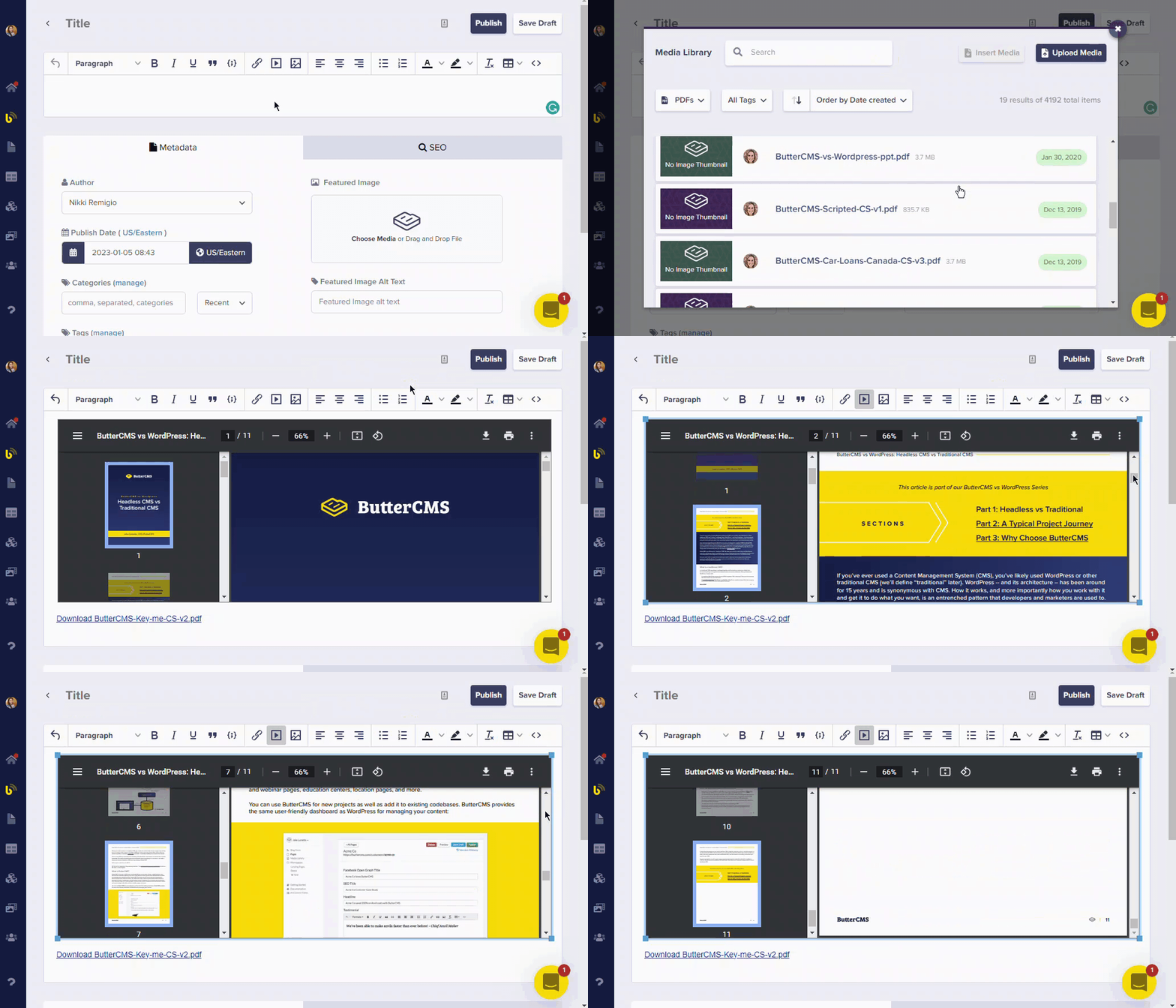
Tweets
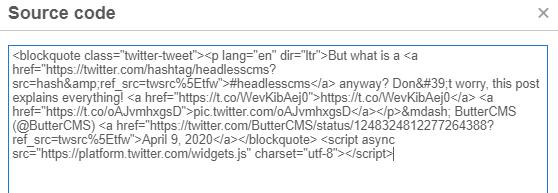
- Copy the tweet embed code from Twitter.
- Click Source Code and paste the embed HTML.
- Click OK to return to visual mode.
Tables
- Click Table.
- Choose the rows and columns.
- Click to insert, then type in cells.
Advanced features
- AI writing: click the AI icon to generate or rewrite text.
- Source code: click Source Code to edit HTML.
- PowerPaste: paste from Google Docs or Word with clean formatting.
- Export: click the PDF icon to export content.
AI writing features are available when enabled for your organization.
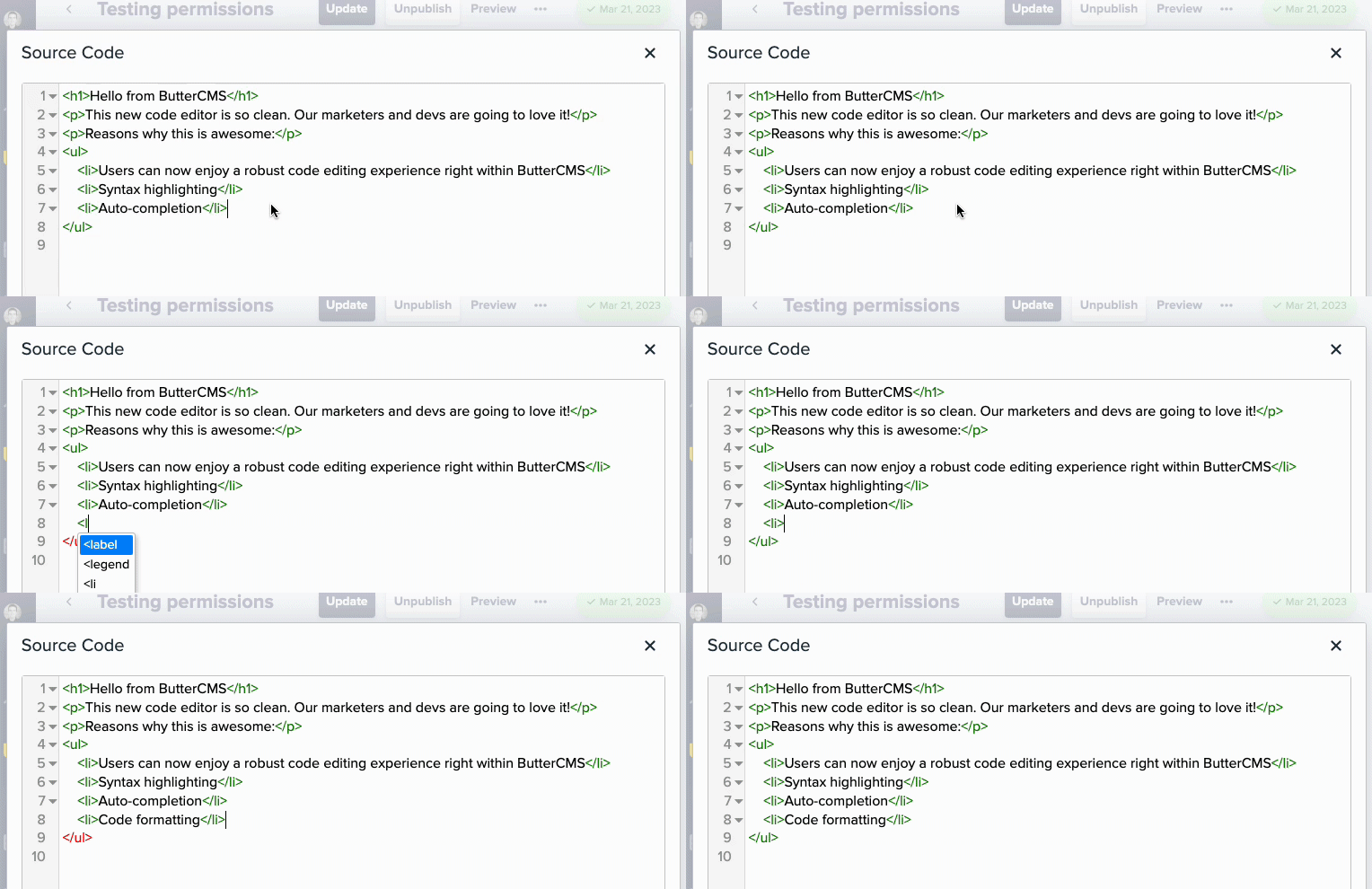
Changing font size
Use Source Code to apply inline styles when needed:Troubleshooting
Formatting looks different on my website
Formatting looks different on my website
Your site’s CSS takes precedence over WYSIWYG formatting. Work with your developer to align styles.
Pasted content has weird formatting
Pasted content has weird formatting
Use Paste as Plain Text or Clear Formatting after pasting.
Images won't align properly
Images won't align properly
Your developer may need to add CSS for alignment.
Video embed isn't working
Video embed isn't working
Confirm the platform is supported and try the Embed tab if available.