
Need rendering and embedding examples? See Rendering Integrated Forms.
Supported form providers
ButterCMS offers native integrations with three leading form builders:Typeform integration
Typeform is an online form building and survey tool that helps teams create dynamic forms based on user needs. With Typeform, you can:- Make your surveys instantly recognizable - Use brand kits to add logos, colors, and styles to your surveys, then smoothly embed them in landing pages and emails without any coding.
- Get survey takers to share more - Call people by their name, adapt follow-up questions to their answers, and end your survey on a personal note.
- Let the whole journey happen in your survey - Build surveys with AI, let people schedule time, run calculations, or score leads—and follow up with personalized, automated messages.
Enabling Typeform
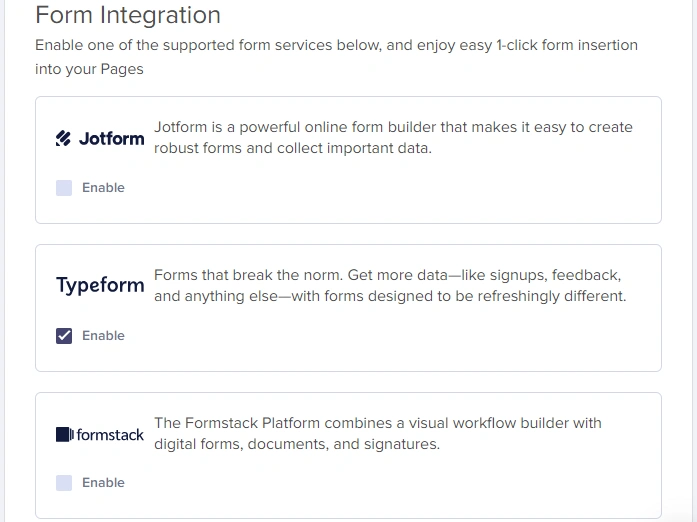
To enable your Typeform integration:- Go to Settings > Integrations
- Tick the Typeform checkbox to enable it
 After integrating Typeform into your ButterCMS account, you will see a new content field that you can add to your schema when creating or editing your pages and/or Page Types.
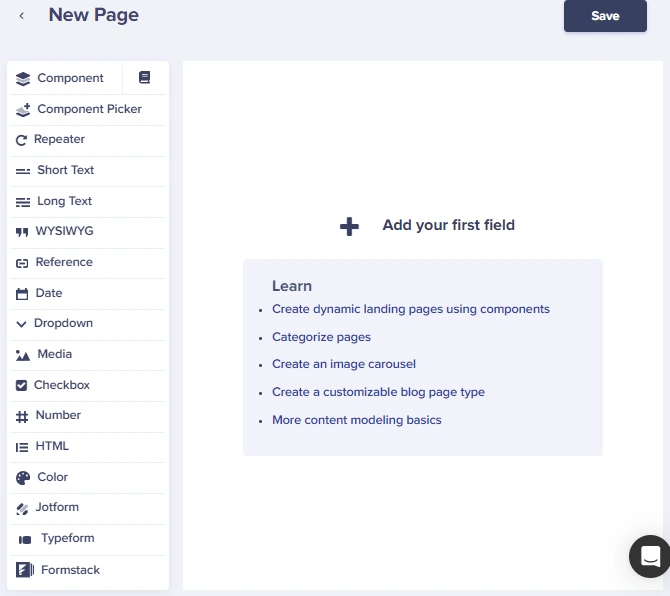
Adding a Typeform to your Page
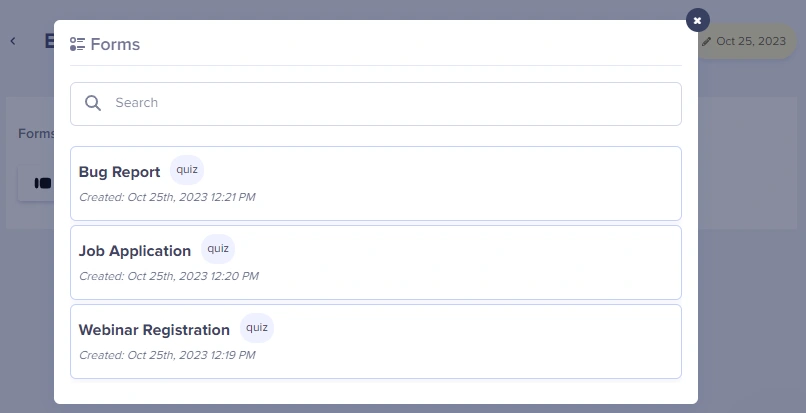
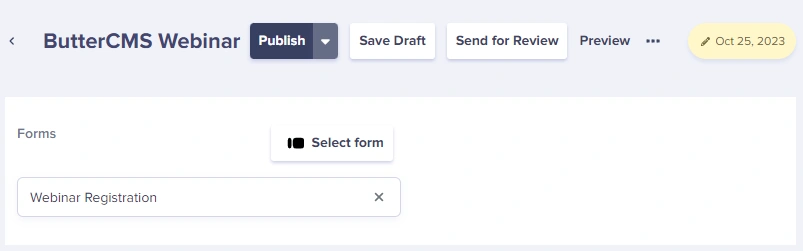
The first time you try adding a form to your Page, the system will prompt you to log into your Typeform account.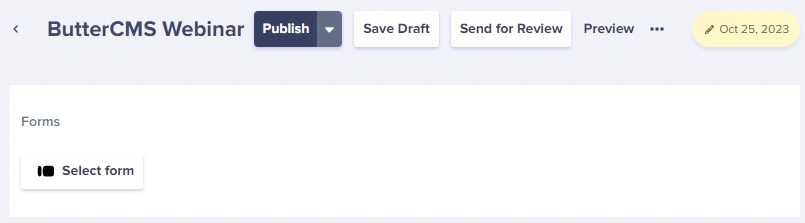 We then dynamically load a list of all of your forms into the Butter dashboard.
Jotform integration
Jotform is a powerful online form builder that makes it easy to create robust forms and collect important data.- Build the form you need in minutes - Jotform’s Online Form Builder allows you to create professional-looking forms with no coding. You can then style your forms with your own logo, fonts, and colors.
- Integrate your form with business apps - Automatically send form submissions to email marketing services, project management boards, CRMs, cloud storage apps, and more with Jotform’s 150+ integrations.
- Collect online payments seamlessly - Whether you’re selling a product, accepting a fee, or collecting a donation, Jotform allows you to get paid directly through your form.
Enabling Jotform
To enable your Jotform integration:- Go to Settings > Integrations.
- Tick the Jotform checkbox to enable it.
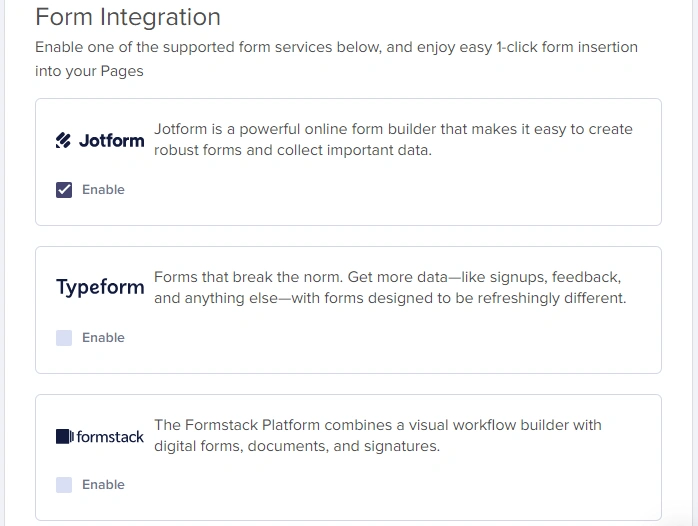 After integrating Jotform into your ButterCMS account, you will see a new content field to add to your schema when creating or editing your pages and/or Page Types.
Adding a Jotform to your Page
The first time you try adding a form to your Page, the system will prompt you to log into your Jotform account.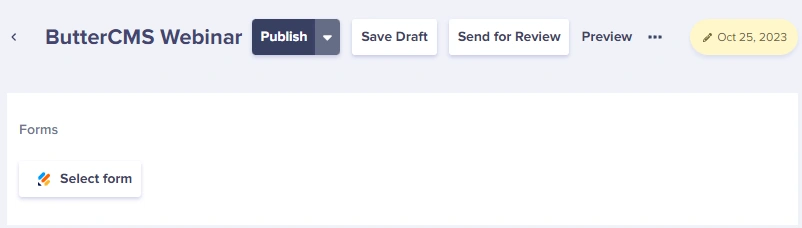
Formstack integration
Formstack Forms is an intuitive, drag-and-drop form and workflow builder that allows businesses to collect information that matters and automate processes. With Formstack Forms, organizations can create professionally branded, mobile-friendly online forms in minutes and start gathering payments, feedback, event registrations, and more.Enabling Formstack
To enable your Formstack integration:- Go to Settings > Integrations.
- Tick the Formstack checkbox to enable it.
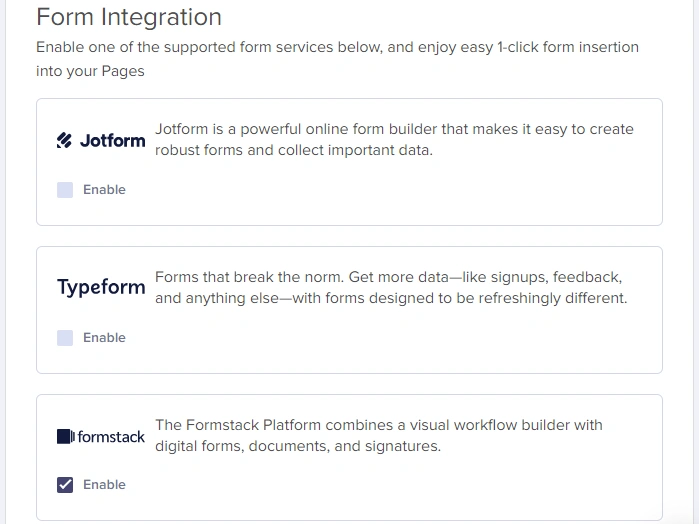 After you have integrated Formstack into your ButterCMS account, you will see a new content field that you can add to your schema when creating or editing your pages and/or Page Types.
Adding a Formstack form to your Page
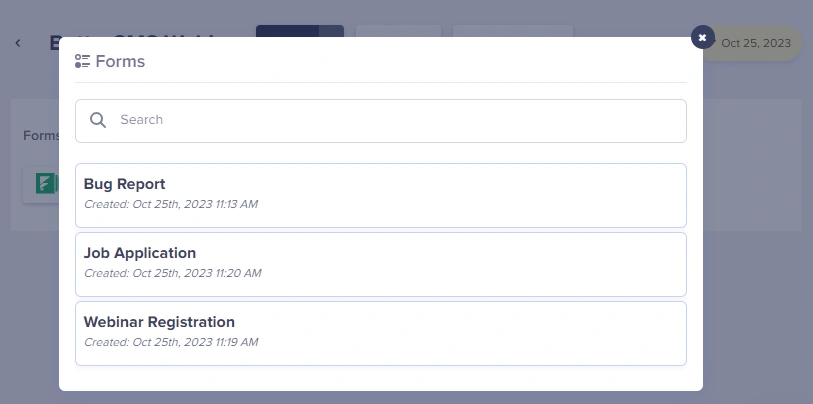
The first time you try adding a form to your Page, the system will prompt you to log into your Formstack account.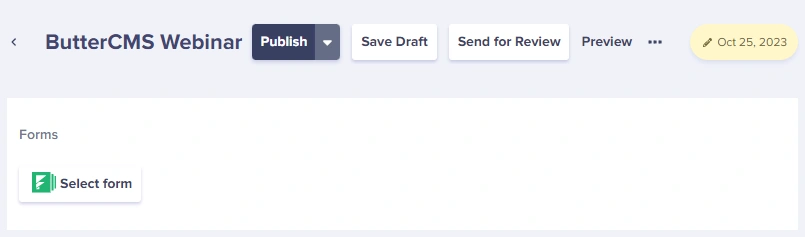 We then dynamically load a list of all of your forms into the Butter dashboard.
Choosing the right form provider
Feature availability may vary by plan. Verify current capabilities on each provider’s website before making a decision.
Next steps
Embedding forms in Pages
Learn how to embed any form in your content
Custom form handling
Build custom forms with ButterCMS Collections