Sample Use Case: Create reusable banners using components
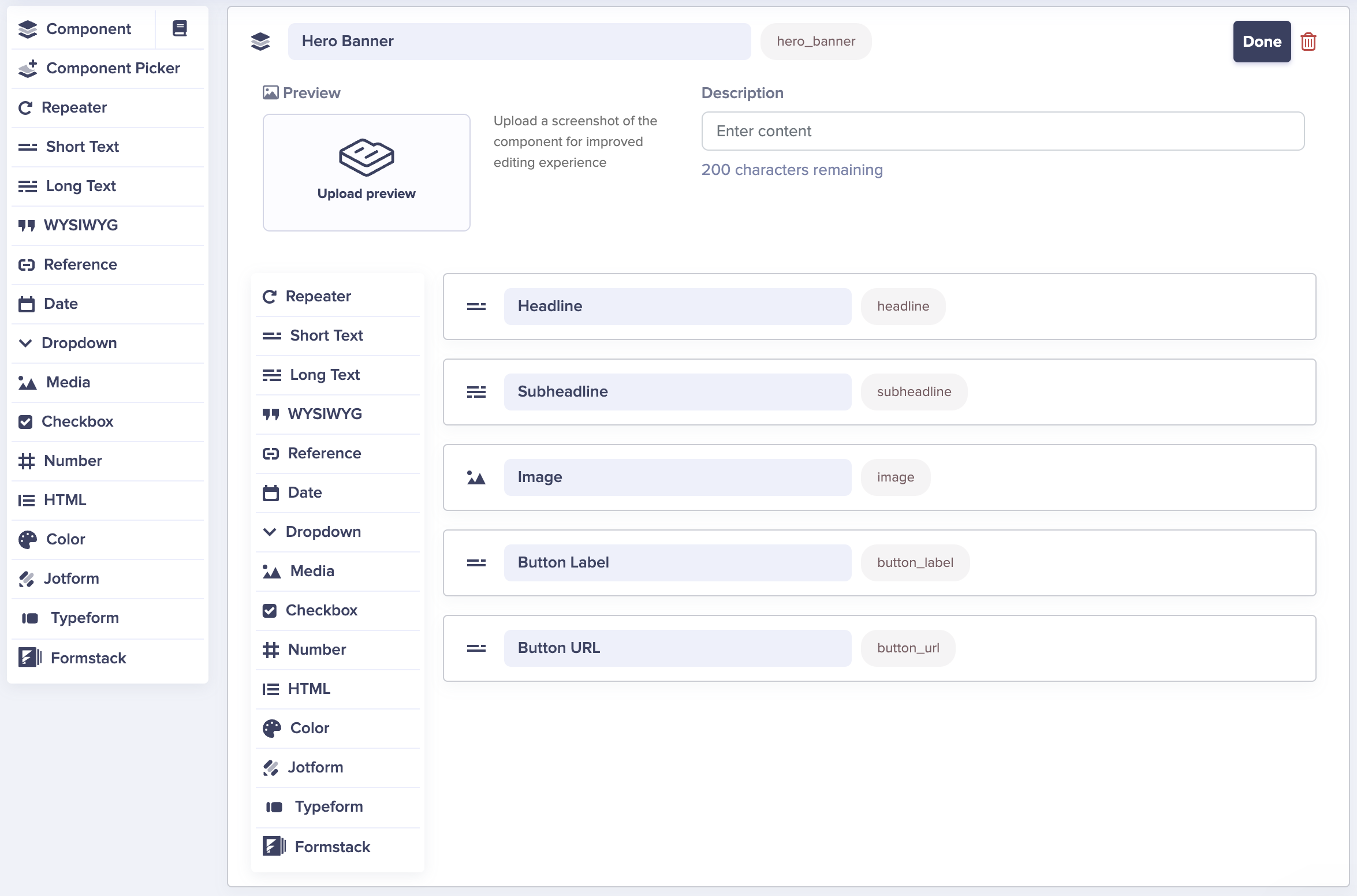
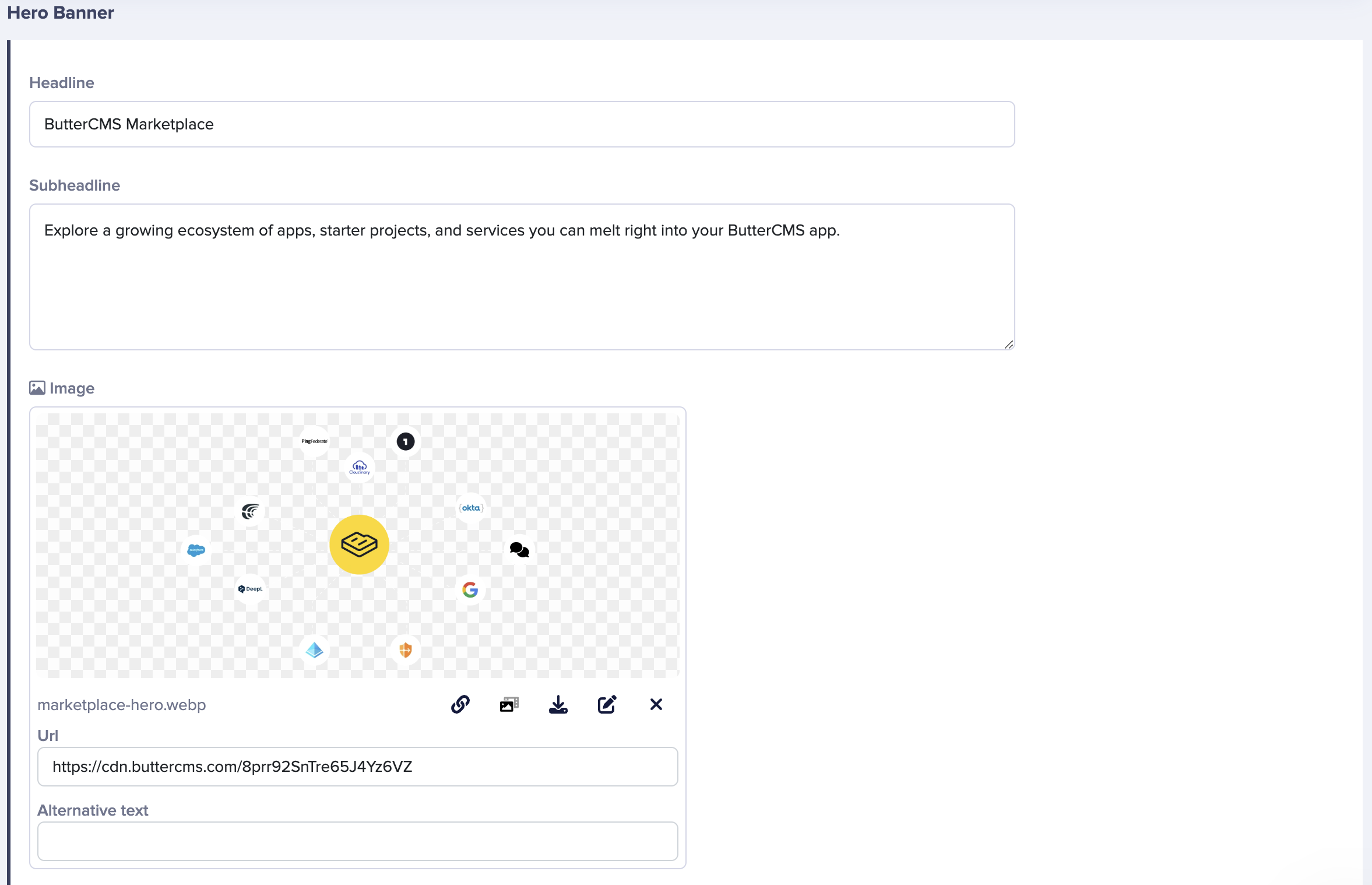
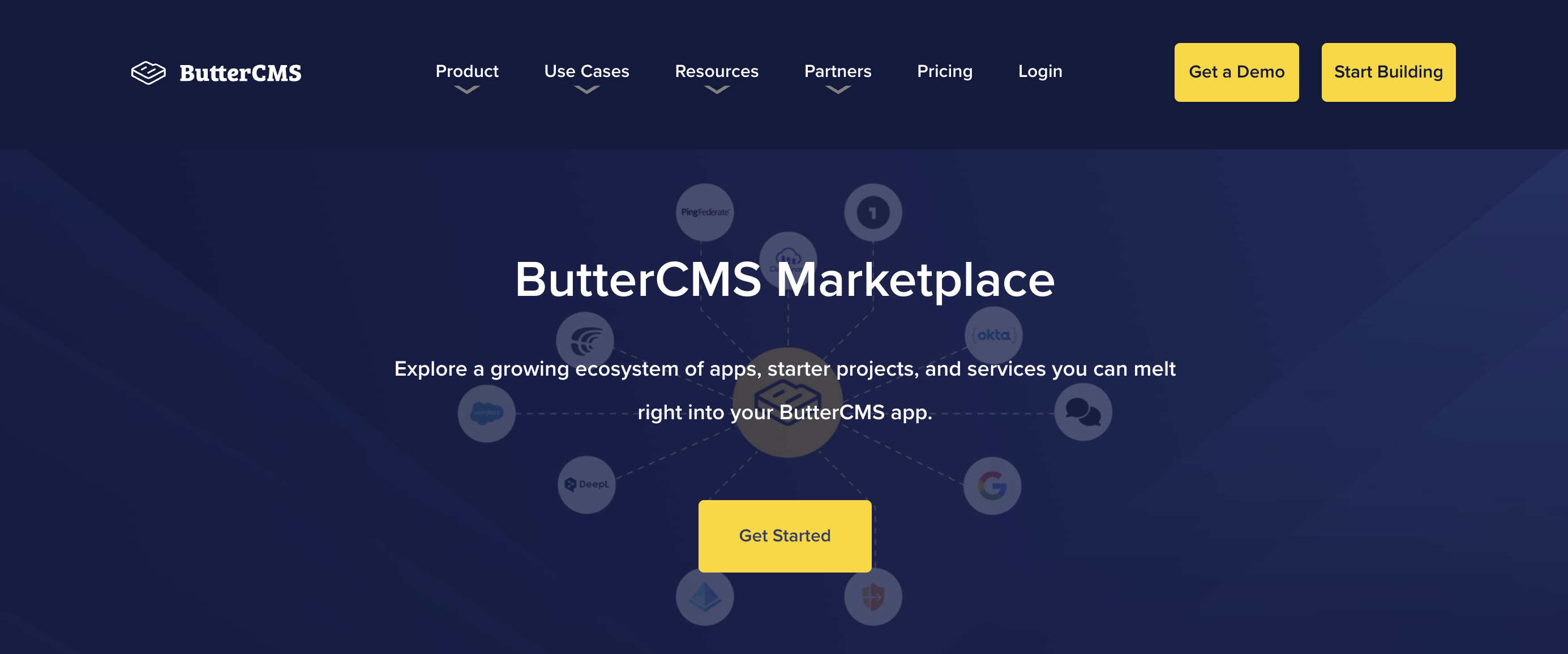
Creating content that can be reused throughout your website is the exact reason why we created Components. In this example, we will look at how to build a component with a call to action that can be used as a banner throughout your website. Below is a step-by-step guide on how to create a banner as well as an example of what an example of this banner would look like.
Start by creating a component that will serve as a template. This component can be added to a new page or an existing page type. In this example, we will be adding the following fields to your component:
This component will still need to be added to a page or a page type. You can learn more about that here.
Now that the component has been created and added to a page, let's get to adding content!