Over the past few years, Skylight has expanded its product offerings and features. With all of these new and exciting product offerings, Skylight had the additional challenge of bringing new customers to their site.
The company decided on a site redesign to attract both new and existing customers to their new features. They were still working with a traditional CMS at the time but soon realized they'd need to find an alternative that would publish blog posts quickly, as well as allow them to develop and test new landing pages if the redesign was going to be a success.

We migrated to a headless infrastructure to enable rapid A/B test iteration, which has driven a double-digit impact on our profit margin. We also love having the rigor of Git version control over our HTML, while giving our marketing team autonomy over the copy and content itself.
Before choosing ButterCMS to manage their content, Skylight primarily employed Shopify, a traditional CMS, for its blog and marketing pages.
However, with the site redesign, the style no longer aligned with its rebranding strategy: The development team needed a more dynamic CMS where Skylight could easily control the presentation. Much like the chief product they sell, Skylight needed to deliver their content on a sleek new interface.
The rest of Skylight’s stack was made up of:
Before Gatsby, Skylight used an independent third-party business to control its content. While Shopify gave them more control over the pages, they still found the CMS limiting and lacking in alignment with their rebranding strategy due to style and formatting restrictions. On the marketing side, they also found working in HTML to be challenging since it was not in their technical wheelhouse, and they could not manipulate text or images without major support from the development team.
With Skylight’s rebranding strategy already underway and its decision to leverage a headless infrastructure, Skylights’ CTO Jake Kring already had Butter on his radar: "I've been a big fan of Jake Lumetta and the Butter team for a long time, and have been following their progress from the sidelines. When we migrated our e-commerce site to a headless infrastructure, I jumped at the opportunity to integrate with [Butter’s] intuitive and powerful tools." - Jacob Kring | CTO
Kring was primarily looking to enable rapid A/B test iteration on new landing pages while also wanting to improve site performance. “We also love having the rigor of Git version control over our HTML, while giving our marketing team autonomy over the content itself,” says Kring.
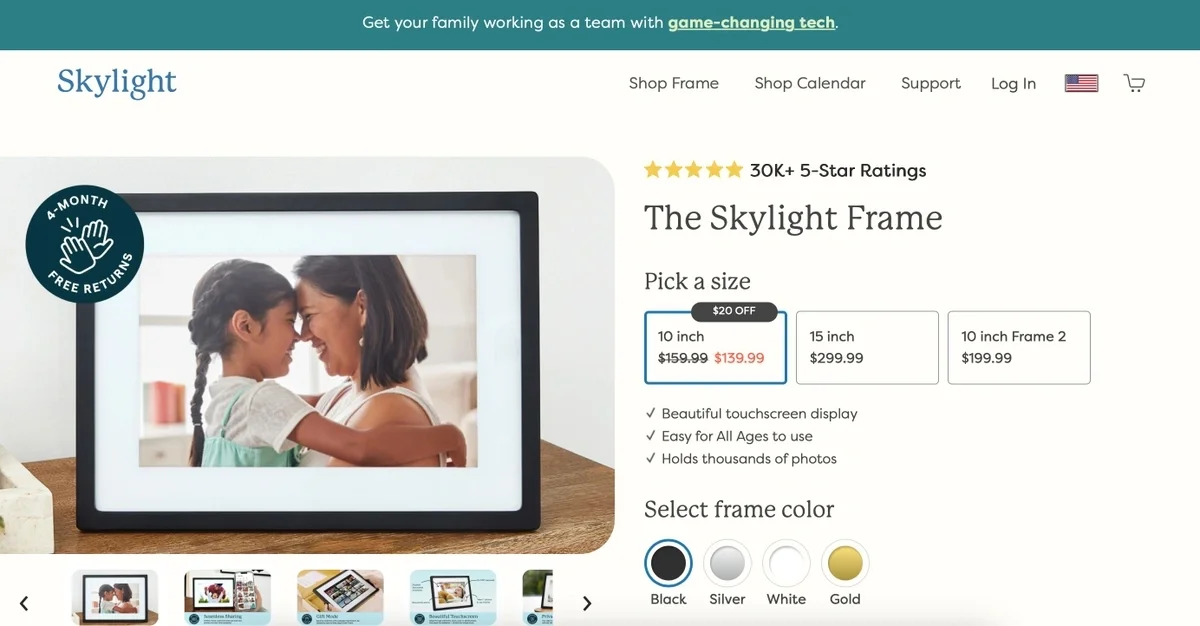
To start implementing Butter, Skylight tasked product marketing manager, Katherine Figueroa Gaard, and frontend engineer, Jennifer Powell, to build new product pages in Butter, such as a customer testimonial blog and new landing pages.
To create a new page or blog, Jennifer first built custom formats (page structures and layouts, templates, and landing pages) in Butter. Within a few days, the template was built and Katherine could reuse it without any implementation support from Jennifer.
“We can talk about a format, she can build it in Butter in a couple days, and then it’s up and it’s ready for me to use,” says Katherine.
For more complicated landing pages, Katherine designs them in Figma, and Jennifer takes the design to the implementation phase. “We’re able to iterate, and iterate very, very quickly,” says Katherine.
Once the templates were in place, Jennifer found the integration process to be straightforward and simple.
Skylight’s front-end development team implements the design and integrates the new page with Butter. Katherine then creates and publishes content on her own.
The team was able to put up a live landing page within 1-2 weeks of getting started with Butter before moving onto building out the blog, which took about two weeks.
“Once you have the template set in place it's just so easy to get the blogs up, to get different pages up once you have the template and once we add our additional styles,” says Jennifer.
For marketers like Katherine, the beauty of Butter lies within the control it gives them over their website content. A main attraction for her is not having to work within the HTML and the ability to build the content she wants without developer assistance.
“It is very easy to input everything,” says Katherine. Previously, she would've had to ask Jennifer to fix the HTML. With Butter, the team has the capability to not work in HTML if they don’t want to.
Since integrating with ButterCMS, the team at Skylight has experienced several site improvements, including:
The ability to build landing pages and blog posts quickly: When Skylight builds landing pages, they are able to iterate very quickly without having to wait for engineering support. Katherine, for example, can make headline changes or iterate without having to ask Jennifer to stop her work, which used to create a backlog. Katherine can take the reins on QA herself and publish a landing page or blog post all in one day. To date, Skylight has made around 40 blog posts within the past year using Butter.
Rapid A/B test iteration was one of the key drivers to headless. To aid in A/B testing, Butter’s Media Library helped Katherine easily change an image to determine if seasonal influence has an impact on customer behavior. Butter’s easy-to-use interface allows its B2B clients to manage and maintain their photos.
“We want to see if [seasonal]-related images change the performance across everything. And so, I very quickly was, like, okay, well, I can just change the photos and it will take me, literally, a second. That’s a very quick iteration,” says Katherine.
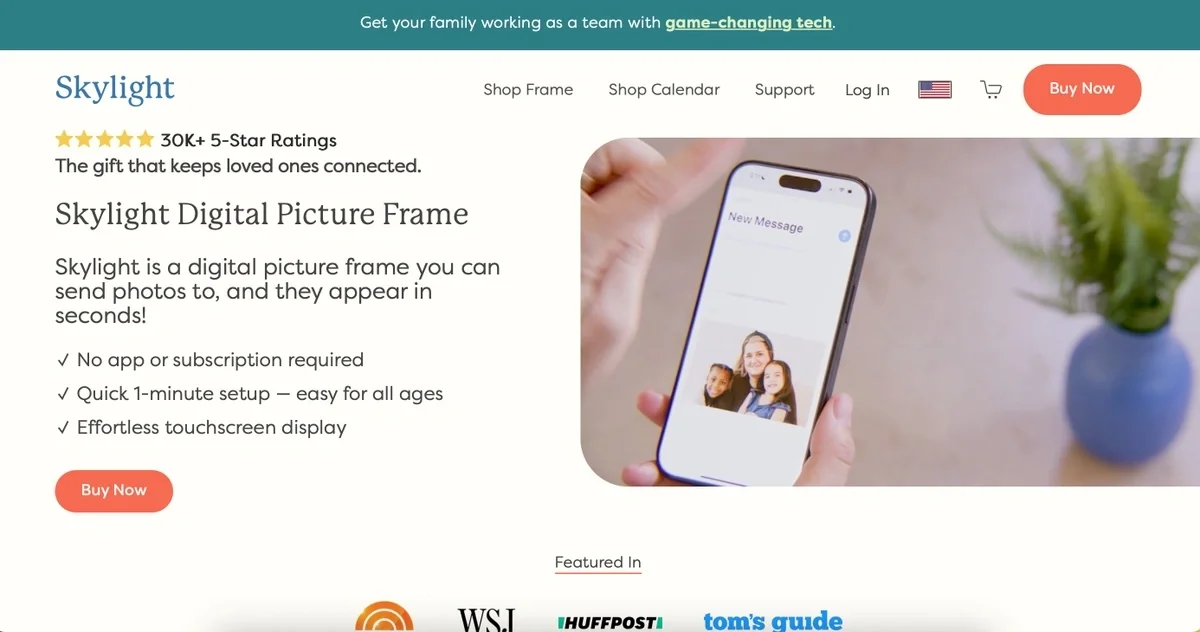
The ability to create their own custom content instead of using boilerplate templates. When building out the Skylight Digital landing page, the team was able to test out a completely different format that stands out from their website but still exudes sleekness. “We have also used [Butter] to add pages to our website,” says Katherine.
“We had a young product called Skylight Digital, which we're still working on, and I built the page in Butter initially and then we went and built it as [a] proper Landing Page. But we're testing it in Butter because it's so easy to build and arrange the text and images,” she says.
With the rapid iterations already underway, Jennifer and Katherine intend to take advantage of SEO optimization for the blog and continue to build different types of landing pages.
They have already started to implement a testimonial blog that serves as the voice of the customer. As Skylight grows its product base, controlling their content through custom-made templates that can be reiterated for landing pages will continue to be an important component to their growth.