
Quick references
Overview: ButterCMS content types
Check out our core concepts article on Pages, Collections, and the Blog Engine to understand the differences
between these content types and when to use each one.
Blog Engine deep dive
Take a deep dive into the Blog Engine, including features, supported fields, and more.
Create a new post
- Click Blog posts in the left sidebar.
- Click New Post.
Fill in post details
Title and slug
Use a clear title. The slug auto‑generates from the title and can be edited.Featured image
- Click Featured Image.
- Choose or upload an image.
- Add alt text.
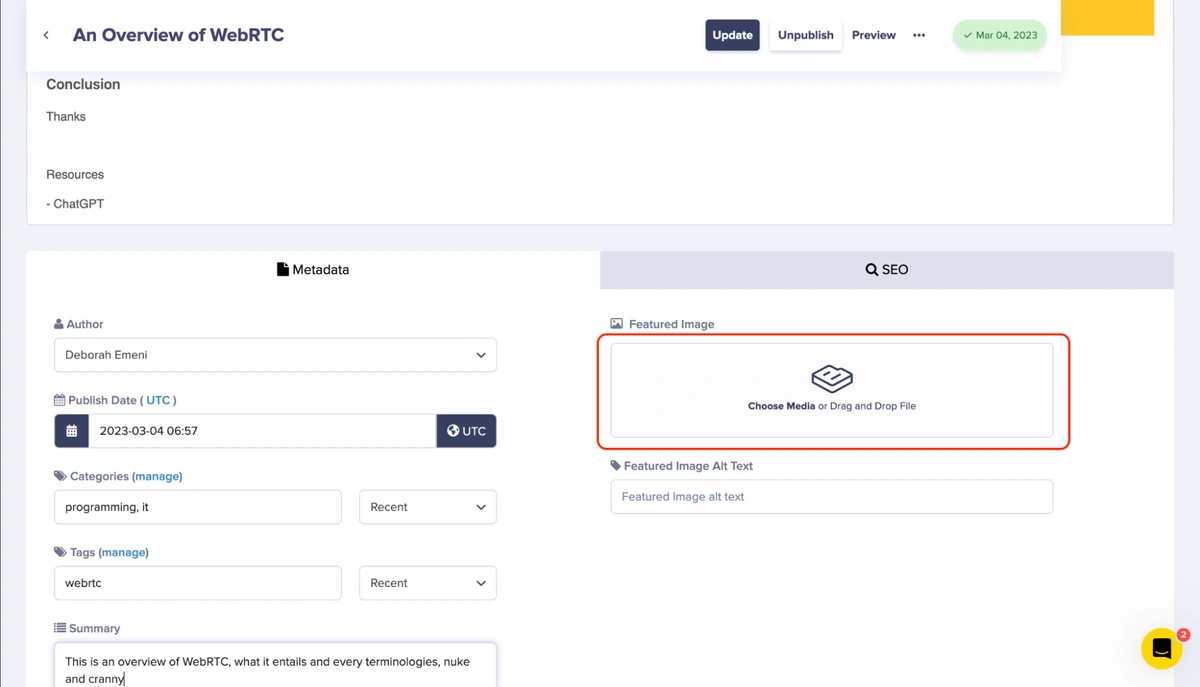
Author
Pick an existing author.Categories and tags
- Categories group posts by broad topic.
- Tags add more specific labels.
Write the content
Use the WYSIWYG editor for the post body.- See the full editor guide: WYSIWYG Editor
- Insert media from the Media Library: Adding Media
SEO settings
If left blank, ButterCMS uses the post title and opening content as defaults.
Manage existing posts
- Use Search and Filters in the Blog dashboard.
- Edit a post, then Save Draft or Publish updates.
- Use revision history if you need to restore prior versions.