Adding media to content
WYSIWYG fields
Within a blog post, add media to the body using the WYSIWYG field:- Click on the Insert from Media Library button on your WYSIWYG toolbar.

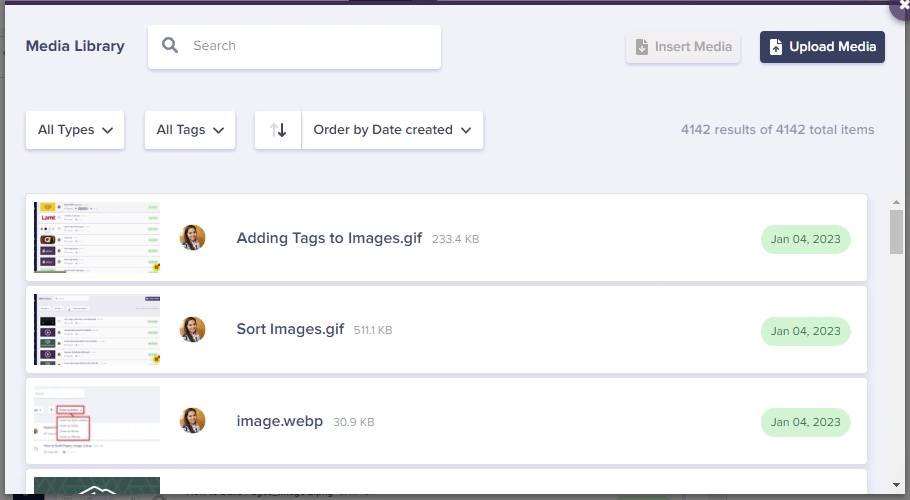
- Choose the file you want to add. If you’ve uploaded it previously, it will show up in your Media Library. Otherwise, upload a new one by clicking on Upload Media.
Media fields
- Click the Media field.
- Select or upload a file.
- The field stores the asset URL.