If you're just starting your search for the best headless CMS for your team, it can feel like an overwhelming task. There are dozens of platforms to sort through, pricing models that don't compare cleanly, and features that sound identical but work very differently in practice.
This guide covers a comprehensive set of evaluation criteria, then breaks down 15 platforms, including their strengths, trade-offs, and who they're actually built for, so you can start building your shortlist and move on to evaluation with confidence.
How to choose the best headless CMS
Before diving into the best headless CMSs, it helps to know what to pressure-test during evaluation. We've organized nine criteria categories into four stages that follow the order most teams naturally evaluate in: can we build with it, will it hold up, can the whole team use it, and what's the real cost.
Can we build with it?
|
Criteria |
What to look for |
|---|---|
|
Developer experience & integration |
Clean REST/GraphQL APIs, Write API, SDKs for your framework, docs with real examples, webhooks, frontend-agnostic architecture, pre-built connectors, and composable ecosystem |
|
Content modeling |
Custom types with complex relationships, reusable components across channels, flexible metadata and tagging, multi-language/multi-site content structure, shared content libraries, no rigid templates |
Will it hold up?
|
Criteria |
What to look for |
|---|---|
|
Performance & scalability |
CDN-backed delivery, API response times, Core Web Vitals readiness, caching strategies, traffic spike handling, content volume limits, uptime SLAs |
|
Security & compliance |
API authentication, SSO/2FA, role-based access control, SOC 2/ISO 27001/GDPR certifications |
Can the whole team use it?
|
Criteria |
What to look for |
|---|---|
|
Workflow & collaboration |
Draft/review/publish flows, visual preview, approval workflows, scheduled publishing, version history and rollback, multi-user editing, and marketer self-service/autonomy |
|
Media & asset management |
DAM capabilities, automatic image optimization, video handling, storage limits, and asset CDN performance |
|
Personalization & targeting |
Dynamic content delivery, A/B testing, audience segmentation, and whether it's native or requires third-party integration |
What's the real cost?
|
Criteria |
What to look for |
|---|---|
|
Pricing & total cost of ownership |
Transparent per-seat and usage-based fees, overage costs, feature gating by tier, dev hours saved or created, TCO vs. current setup |
|
Migration, support & long-term risk |
Import/export tooling, vendor lock-in risk (proprietary languages, closed ecosystems), human vs. bot support, response times, onboarding quality, community size |
The 15 best headless CMSs in 2026
Based on our criteria and reviews, these are the 15 best headless CMS platforms in 2026. Note: this is a curated list, not a ranking; the right platform depends entirely on your team, stack, and use case.
1. ButterCMS
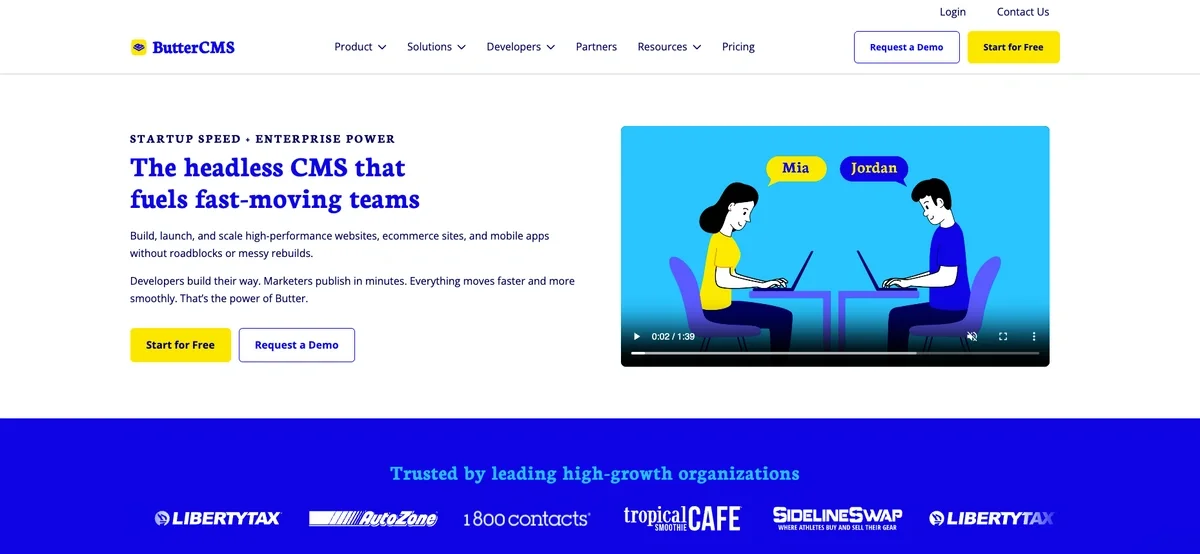
ButterCMS is a cloud-based headless CMS built around fast implementation, team independence, and unblocking bottlenecks. Unlimited users across all plans keeps costs predictable as teams grow. Setup is straightforward with strong documentation and consistently high support ratings on G2. It's a good fit for growth-stage teams migrating from WordPress, a homegrown system, or a platform that's too complex for their use case or too costly. It's less suited for the most complex, large-scale enterprise architectures.
|
CMS platform |
ButterCMS |
|---|---|
|
Overview |
Cloud-based headless CMS founded in 2016 (rated 4.7 ⭐ on G2). |
|
Best for |
Growth teams migrating from WordPress or needing speed to market without content bottlenecks |
|
Highlights |
Unlimited users on all plans, visual editing, AI Assistant, multi-site/multi-brand management, Write API (Management API) and Image API, global CDN, approval workflows, role-based permissions |
|
Drawbacks |
Smaller integration ecosystem than Contentful or Sanity; Write API and webhooks are add-ons rather than standard features |
|
Pricing |
Free: $0 • Basic: $79/mo • Advanced: $249/mo • Professional: $399/mo • Enterprise: Custom (10% discount on annual plans) |
|
Notable users |
Liberty Tax, Tropical Smoothie Cafe, AutoZone, 1-800 Contacts |
2. Contentful
Contentful has evolved into a full composable DXP. The platform centers on AI-native capabilities, delivering enterprise-grade power for complex use cases (multi-brand operations, advanced personalization, composable architectures), but it comes with significant complexity. The platform excels for Fortune 500 companies with dedicated teams and budgets, but the total cost of ownership and operational complexity often exceed expectations for smaller organizations. Good fit for enterprises requiring sophisticated personalization at scale, but often overkill for straightforward content management needs.
|
CMS platform |
Contentful |
|
Overview |
Composable content platform / DXP |
|
Best for |
Enterprise organizations building composable architectures with complex, multi-brand operations |
|
Highlights |
Composable/MACH architecture, AI actions, visual low-code editor, personalization, 100+ marketplace integrations, GraphQL/REST APIs, real-time collaboration |
|
Drawbacks |
Complex pricing with stacking add-ons, steep learning curve, most advanced features require Premium tier, over-engineered for mid-market needs |
|
Pricing |
Free: $0 • Lite: $300/mo • Premium: Custom |
|
Notable users |
DocuSign, Kraft Heinz, KFC |
3. Hygraph
Hygraph's defining feature is Content Federation, the ability to unify disparate backend APIs into a single GraphQL endpoint without data migration. That's a meaningful advantage for composable stacks. The catch: it's GraphQL-only, which creates friction for legacy systems, and advanced governance is enterprise-gated. It's a good fit for GraphQL-native teams building composable architectures where multiple data sources need to work together. It's not great for teams needing REST API options, simple setups, or a large established ecosystem.
|
CMS platform |
Hygraph |
|
Overview |
GraphQL-native headless CMS with content federation |
|
Best for |
Development teams building GraphQL-native composable architectures with multi-source content needs |
|
Highlights |
Content Federation (unify REST/GraphQL sources into one endpoint), GraphQL Playground, MACH-certified, AI Assist, Live Preview, remote sources and fields |
|
Drawbacks |
GraphQL-only (no REST option), steep enterprise-tier feature gating, federation adds complexity for simple use cases, smaller ecosystem than established competitors |
|
Pricing |
Hobby: $0 • Growth: $199/mo • Enterprise: Custom |
|
Notable users |
Dr. Oetker, Samsung, Komax |
4. Sanity
Sanity treats content as structured data through its Content Lake architecture, giving developers unusual flexibility for complex multi-channel builds. The fully customizable Sanity Studio is a genuine differentiator. Trade-offs: the proprietary GROQ query language creates vendor lock-in and a learning curve, and non-technical users typically need developer support. It's a strong fit for technical teams building complex, custom content experiences, but less suited for marketing-led organizations who need to work without developer help.
|
CMS platform |
Sanity |
|---|---|
|
Overview |
Structured content platform with Content Lake |
|
Best for |
Developers who want maximum flexibility and customization |
|
Highlights |
Customizable Sanity Studio, GROQ query language, real-time collaboration, AI Assist, Agent Actions, Content Releases, visual editing, serverless webhooks |
|
Drawbacks |
Requires technical expertise, proprietary GROQ language creates vendor lock-in, non-technical users need ongoing developer support |
|
Pricing |
Free: $0 • Growth: $15/seat/mo • Enterprise: Custom |
|
Notable users |
Figma, Square, Puma |
5. Strapi
Strapi is a widely adopted open-source headless CMS. Self-hosting is free and managed Cloud starts at $18/month. The complexity is in the pricing: CMS licenses and Cloud hosting are billed separately, and features like SSO and Review Workflows require paid tiers on top. Self-hosting demands DevOps expertise. Strong fit for developer-led teams comfortable managing infrastructure; challenging for teams seeking transparent all-in pricing.
|
CMS platform |
Strapi |
|---|---|
|
Overview |
Open-source headless CMS (Node.js) |
|
Best for |
Developers who want full infrastructure control and self-hosting |
|
Highlights |
Content Type Builder, REST and GraphQL APIs, i18n support, self-hosting (free), Cloudinary/Algolia integrations, built-in email and user roles |
|
Drawbacks |
Self-hosting requires DevOps expertise; Cloud uses two-part pricing (CMS license + hosting) with advanced features requiring paid tiers on top |
|
Pricing |
Self-hosted: Free $0 • Growth $45/m • Enterprise: Custom Cloud: Free $0 • Essential: $18/mo • Pro: $90/m • Scale: $450/m • Scale+: Custom (annual plans save 20%) |
|
Notable users |
Bash, Tesco, Sonos |
6. Prismic
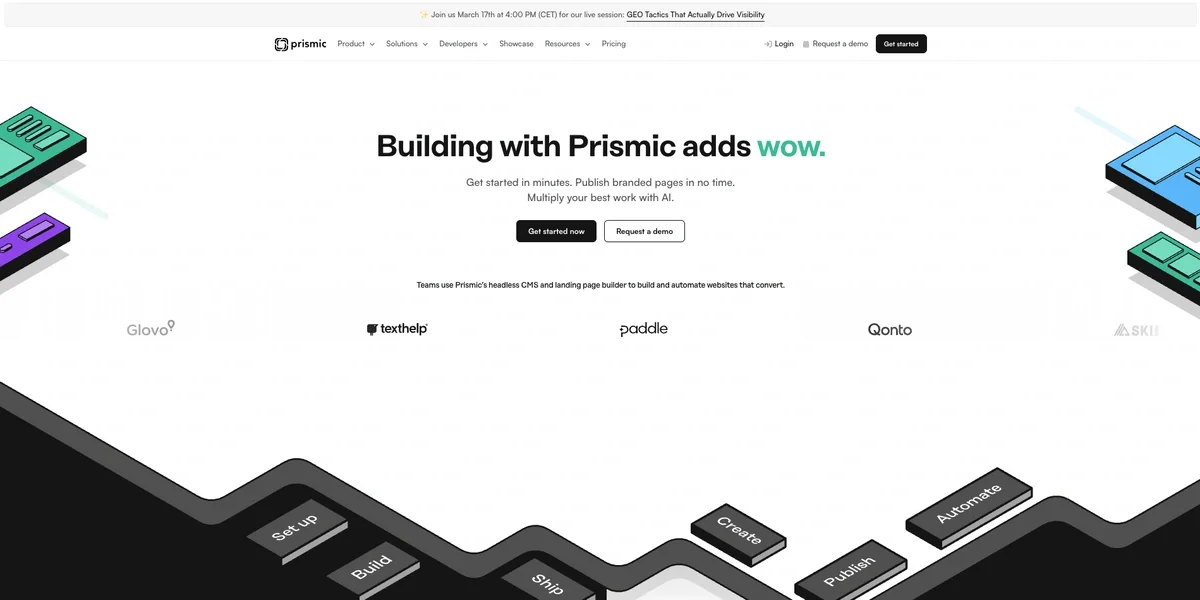
Prismic is a headless page builder optimized for Next.js, Nuxt, and SvelteKit. Slice Machine enables developers to create reusable components that marketers can assemble independently via the Visual Page Builder. Best suited for teams needing structured component systems, though the proprietary nature and Slice Machine workflow require initial setup time. It's less suited for teams needing out-of-the-box flexibility.
|
CMS platform |
Prismic |
|---|---|
|
Overview |
Headless page builder for Next.js, Nuxt, and SvelteKit |
|
Best for |
Teams building component-based websites with developer-marketer collaboration |
|
Highlights |
Slice Machine for reusable components, Visual Page Builder, built-in Imgix image optimization, GraphQL and REST APIs, unlimited documents and assets on all plans |
|
Drawbacks |
Proprietary Slice Machine workflow requires developer setup before editors are self-sufficient |
|
Pricing |
Free: $0 • Starter: $10/mo • Small: $25/mo • Medium: $150/mo • Platinum: $675/mo • Enterprise: Custom |
|
Notable users |
Google, Netflix, Rakuten, UNICEF, eBay |
7. Storyblok
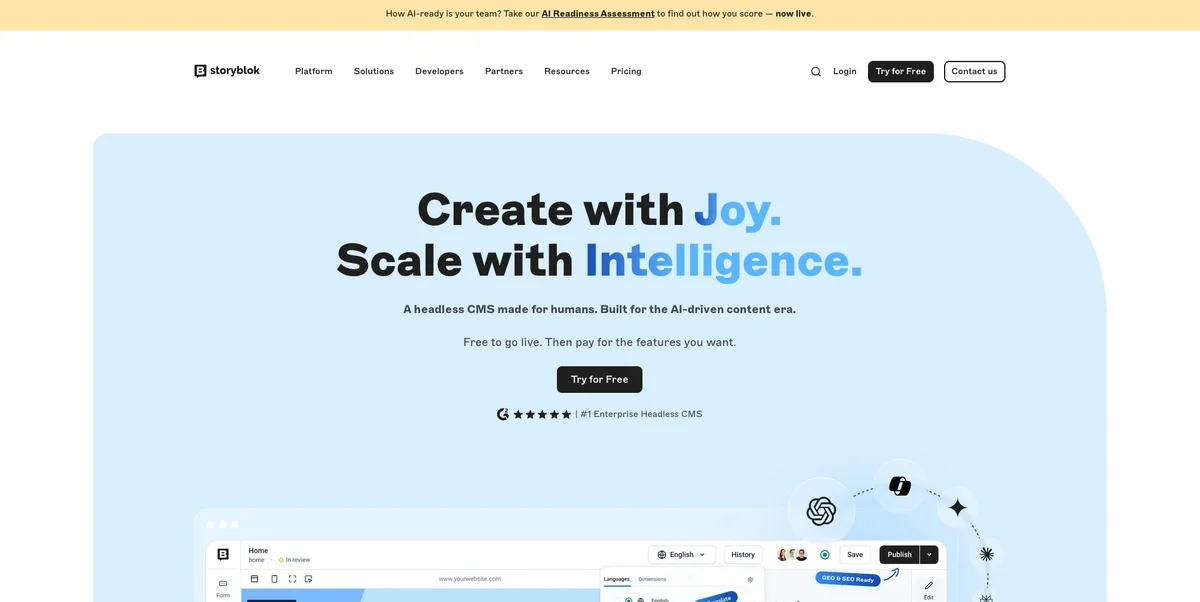
Storyblok is a component-based headless CMS built around visual editing and real-time preview. Core strength: marketing teams build pages independently using drag-and-drop components without developer tickets. Critical trade-offs: component setup requires upfront investment and GraphQL read-only API limits programmatic workflows. Strong fit for marketing-led teams building component-rich websites, but challenging for teams prioritizing speed-to-market or API-first workflows.
|
CMS platform |
Storyblok |
|---|---|
|
Overview |
Visual editor-focused headless CMS |
|
Best for |
Marketing-led teams who need to build and manage pages without developer help |
|
Highlights |
Real-time visual editor, drag-and-drop component system, i18n support, DAM, collaboration tools, fine-grained permissions, uptime SLA on paid plans |
|
Drawbacks |
GraphQL read-only (no write access); component setup requires upfront developer investment |
|
Pricing |
Starter: Free • Growth: $99/m • Growth Plus: $349/m Premium and Elite plans: Custom (pay annually and get one month free) |
|
Notable users |
Adidas, Netflix, Pizza Hut |
8. Contentstack
Contentstack is an enterprise DXP combining headless CMS, real-time customer data, and AI-driven personalization. It targets organizations managing complex multi-language, multi-channel content with strict compliance requirements. No public pricing means every engagement starts with a sales conversation. The platform's depth is its strength and its weakness—powerful for enterprises in regulated industries with dedicated technical teams, overkill for organizations needing straightforward content management.
|
CMS platform |
Contentstack |
|---|---|
|
Overview |
Enterprise headless DXP |
|
Best for |
Enterprise organizations needing omnichannel personalization with real-time customer data |
|
Highlights |
Visual Builder, Agent OS (agentic AI), real-time CDP, brand-aware AI, advanced personalization, ISO 27001/SOC 2 compliance, 24/7 support |
|
Drawbacks |
No public pricing (sales contact required), complex platform may be overkill for smaller teams, steep learning curve |
|
Pricing |
No public pricing • Free trial available • Custom enterprise pricing (contact sales required) |
|
Notable users |
MongoDB, Land O'Lakes, Mattel |
9. Agility CMS
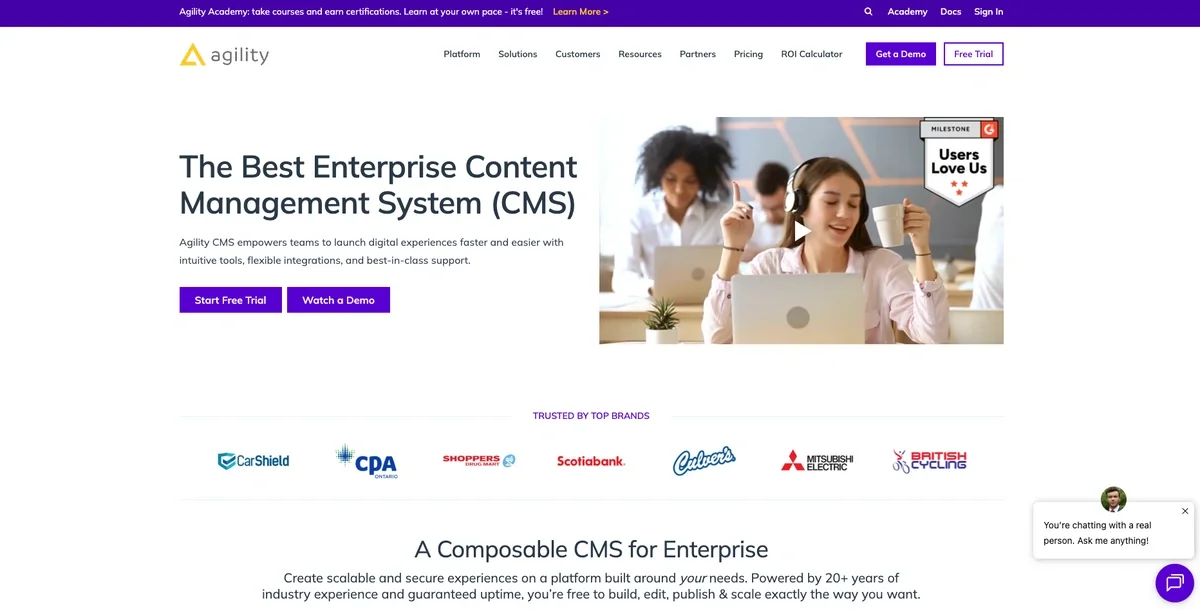
Agility CMS is an enterprise-focused headless CMS built around white-glove support and security. It appeals to industries where a compliance failure has real regulatory consequences. The starting price excludes budget-conscious teams, and the UI is functional but less modern than competitors. Strong fit for regulated enterprises valuing human support; challenging for startups or teams prioritizing self-service and a modern editing experience.
|
CMS platform |
Agility CMS |
|---|---|
|
Overview |
Hybrid headless DXP |
|
Best for |
Regulated enterprises valuing white-glove support and security |
|
Highlights |
White-glove support with dedicated account managers, enterprise SSO/MFA, SOC 2/ISO compliance, page builder, multi-site management, REST/GraphQL APIs |
|
Drawbacks |
$1,249/mo entry price is enterprise-only by design; UI less modern than competitors; some advanced features locked to higher tiers |
|
Pricing |
Try for free • Starter: $1,249/mo (annual) • Pro: $2,499/mo • Enterprise: Starting at 5,998/mo |
|
Notable users |
Scotiabank, Culvers, Oxford Properties |
10. Directus
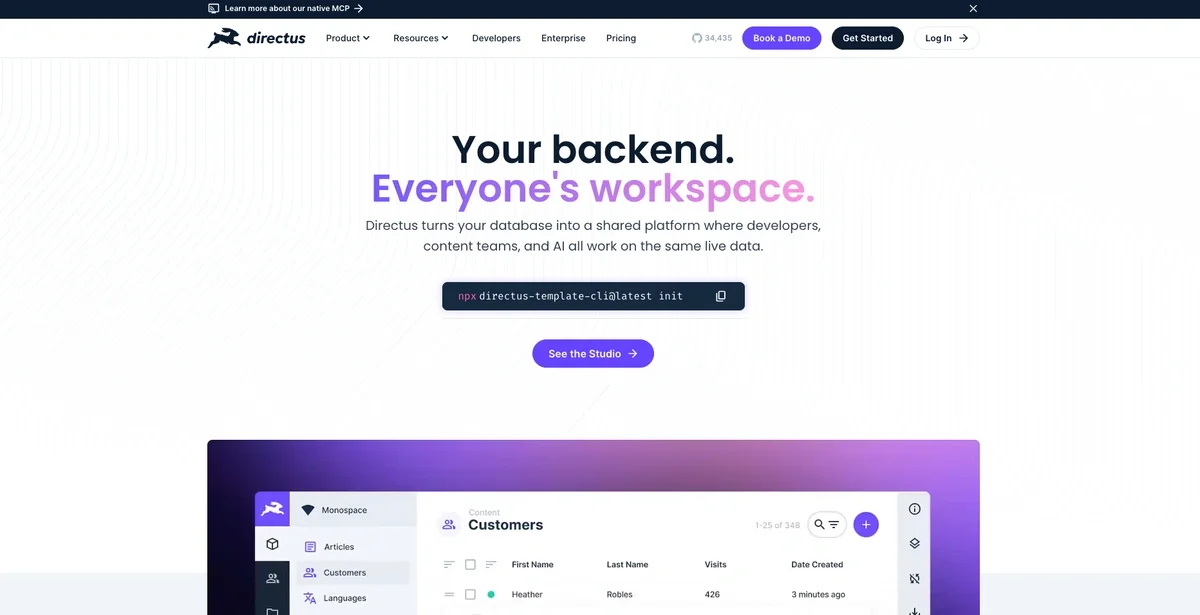
Directus wraps existing SQL databases with a no-code admin UI and auto-generated APIs, making it less a traditional CMS and more a backend-as-a-service layer for developers. Strong fit for teams building internal tools, CRMs, or data-driven applications without rebuilding infrastructure from scratch. The free self-hosted tier requires SQL expertise and server management. Not suited for non-technical teams expecting a polished out-of-the-box content editing experience.
|
CMS Platform |
Directus |
|---|---|
|
Overview |
Open-source data-first headless CMS and Backend-as-a-Service |
|
Best for |
Developers building custom data-driven applications who need full SQL database control |
|
Highlights |
Data Studio no-code UI, Flows automation, REST and GraphQL APIs, real-time WebSockets, works with existing SQL databases, granular permissions, white-label customization |
|
Drawbacks |
Requires SQL expertise and server management; BSL 1.1 license requires paid license for companies over $5M revenue; smaller ecosystem than major CMS platforms |
|
Pricing |
Self-hosted: Open license $0 • Production license: $0 for orgs under $5M in annual revenue Cloud: Professional: $99/mo • Enterprise Custom |
|
Notable users |
FEG, PRUSA Research, Lucid |
11. DotCMS
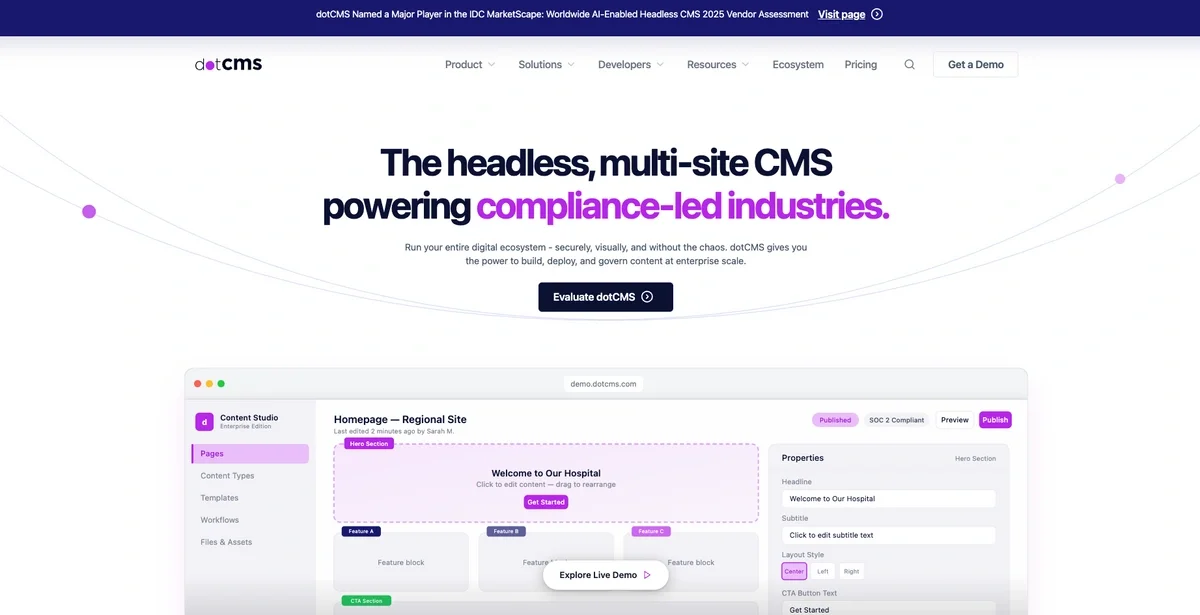
If your industry has regulators, DotCMS makes a lot of sense. It's built for organizations where governance is non-negotiable. However, Java means you need specialist developers, the learning curve is steep for initial setup, and custom-only pricing signals this is an enterprise sale, not a self-serve one. If compliance and multi-site consolidation aren't driving your decision, you're likely paying for requirements you don't have.
|
CMS platform |
DotCMS |
|---|---|
|
Overview |
Hybrid, open-source Java DXP |
|
Best for |
Compliance-led enterprises consolidating fragmented legacy CMS infrastructure |
|
Highlights |
Multi-site management (1,000+ sites from one instance), SOC 2 Type II/ISO 27001, audit trails, on-premise deployment, Universal Visual Editor, push publishing, content personalization |
|
Drawbacks |
Java demands specialist developers; documentation thin on complex setups; |
|
Pricing |
Free (BSL) • Starter: Custom • Business: Custom • Enterprise: Custom |
|
Notable users |
Telus, Great Clips, White Castle |
12. Bold CMS
Bold is purpose-built for digital newsrooms. If you're a mid-sized news publisher, newspaper, or magazine needing multilingual publishing, editorial workflows, omnichannel distribution, and monetization tools in one platform, it delivers strong value. It is entirely the wrong choice for anything outside publishing. Organizations outside South Asia or the Middle East should also note its limited international track record and ecosystem.
|
CMS Platform |
Bold CMS |
|---|---|
|
Overview |
AI-powered headless CMS built exclusively for digital news publishers |
|
Best for |
Mid-sized digital news publishers and magazines needing an end-to-end publishing stack |
|
Highlights |
Newsroom editorial workflow, omnichannel distribution, AI content tools, multilingual support, built-in paywall and audience engagement via Accesstype and Metype |
|
Drawbacks |
Unusable for general CMS needs; paywall features require add-on; limited footprint outside South Asia and the Middle East |
|
Pricing |
Custom |
|
Notable users |
The Cue, Lokshahi Marathi, Gulf News |
13. DatoCMS
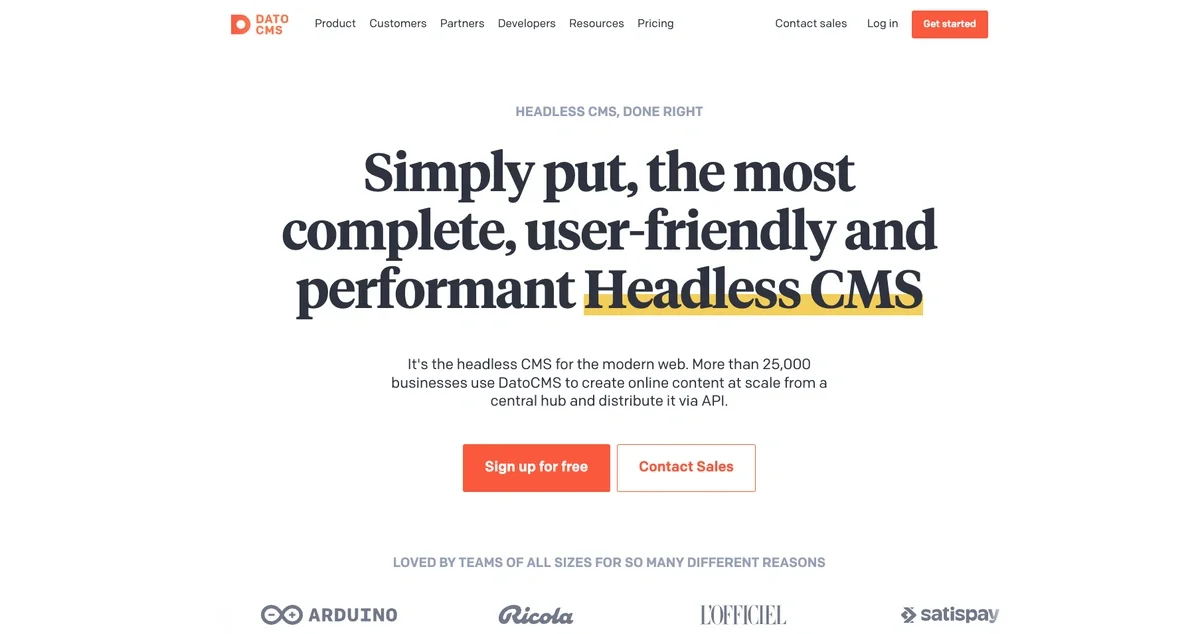
DatoCMS is a solid choice for developer-led agencies and JAMstack teams who prioritize a clean GraphQL API and a fast setup. The trade-offs: pricing is in euros, which creates budget variability for USD-denominated teams, the platform is less widely recognized than competitors, and lower-tier plans have tight storage limits. Best for technical teams building modern websites and multi-channel projects; less suited for teams that need a large established ecosystem or extensive out-of-the-box enterprise compliance.
|
CMS platform |
DatoCMS |
|---|---|
|
Overview |
Developer-focused headless CMS with GraphQL |
|
Best for |
Developer-led agencies and teams building modern JAMstack or multi-channel projects |
|
Highlights |
GraphQL Content Delivery API, Imgix-powered image pipeline, Real-time Updates API, Visual Editing, structured text editor, Large plugin marketplace, worldwide CDN |
|
Drawbacks |
Pricing in euros introduces variability for USD-budgeted teams |
|
Pricing |
Free: €0• Professional: €149/mo (annual) / €199/mo (monthly) • Enterprise: Custom |
|
Notable users |
Polestar, Vercel, Verizon |
14. Amplience
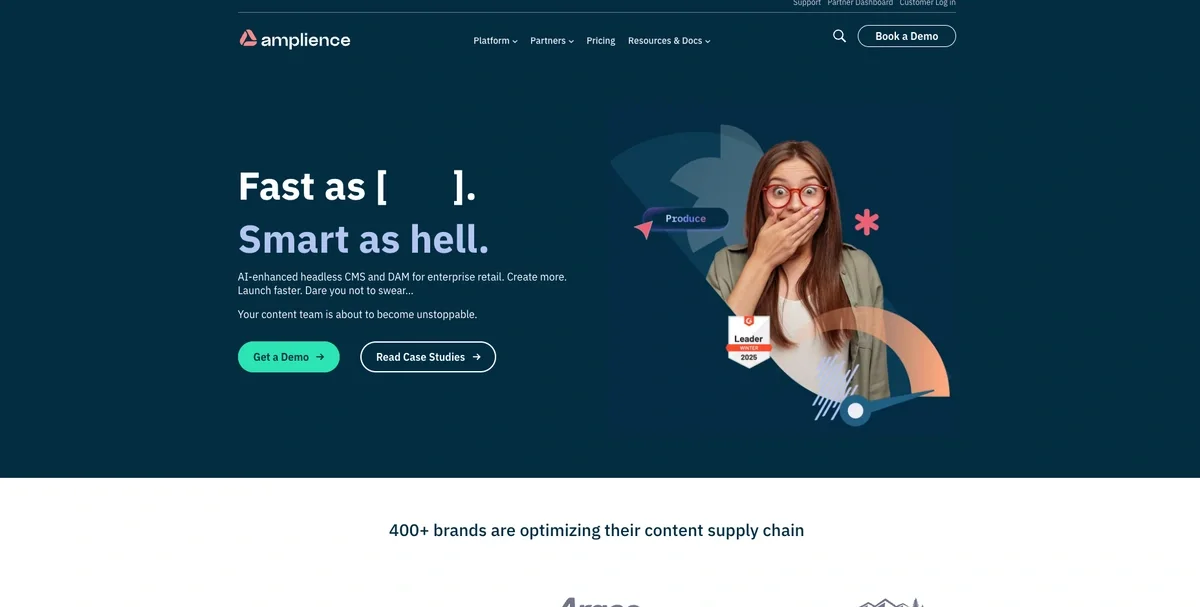
Amplience is built for large enterprise retailers. It combines headless CMS, DAM, and AI-powered content automation in a single MACH-compliant platform designed for high-volume product content at global scale. It is right for global retail brands managing complex omnichannel commerce. It isn't right for anyone outside retail, agencies, or teams without an implementation partner budget.
|
CMS Platform |
Amplience |
|---|---|
|
Overview |
API-first DXP with an e-commerce focus |
|
Best for |
Large enterprise retailers managing high-volume product content and omnichannel commerce at global scale |
|
Highlights |
Integrated headless CMS, enterprise DAM, and Dynamic Media delivery; AI content automation; MACH-compliant |
|
Drawbacks |
No public pricing; poor fit for anything outside retail/e-commerce; steep learning curve; implementation typically requires a specialist SI partner |
|
Pricing |
Developer trial: Free (2 months) • Enterprise: Custom |
|
Notable users |
Hobby Lobby, Ulta Beauty, Columbia |
15. Ghost
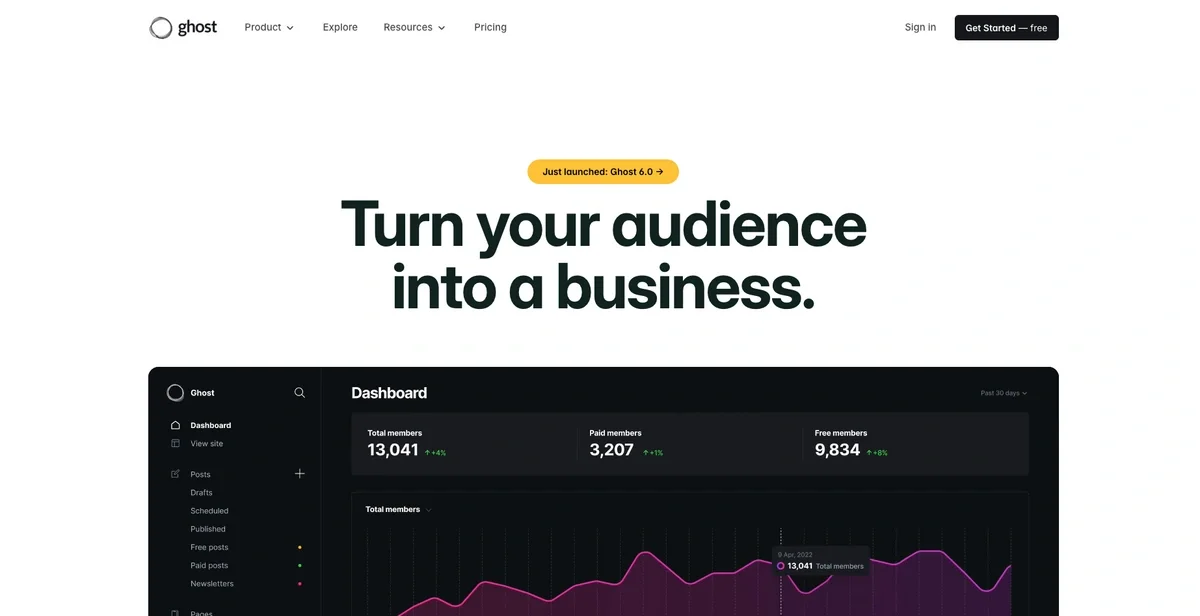
Ghost is purpose-built for professional publishers monetizing through memberships and newsletters. It intentionally skips plugins, visual builders, and ecommerce to stay fast and focused. Ghost Pro manages hosting and email infrastructure; self-hosting is free but requires technical expertise. The zero-platform-fee Stripe integration is a real differentiator over newsletter platforms like Substack. It's a good fit for independent publishers prioritizing audience ownership, but isn't right for ecommerce, complex web applications, or teams needing extensive customization without coding.
|
CMS platform |
Ghost |
|
Overview |
Open-source publishing platform |
|
Best for |
Professional publishers, independent media, and membership/newsletter-driven creator businesses |
|
Highlights |
Native newsletters and membership management, zero platform fees on subscriptions, distraction-free markdown editor, built-in SEO and analytics, ActivityPub integration, managed or self-hosted |
|
Drawbacks |
Limited to publishing use cases, no visual builder or plugin ecosystem, self-hosting requires DevOps expertise and separate email service costs |
|
Pricing |
Starter: $15/mo (annual) • Publisher: $29/mo • Business: $199/mo • Custom: Custom |
|
Notable users |
Platformer, 404Media, Tangle, The Lever |
Closing thoughts
The best headless CMS isn't universal. It depends on your team, your stack, and what you're actually building. A simple way to narrow your shortlist is to start with your primary use case, then pressure-test 2–3 finalists.
No headless CMS comparison replaces hands-on testing. Most platforms offer free tiers or trials. Use them before committing to a paid plan. For each of your finalists:
-
Spin up a small test project in your actual stack (framework, hosting, auth patterns)
-
Model a few real content types: a landing page, a blog post, a promo module, localized content if relevant
-
Have your content team use it end-to-end: draft → review → preview → publish
-
Measure the hidden costs: setup time, dev tickets created, workflow friction, and how predictable pricing feels once you factor in API usage and add-ons
If you’re looking for a strong all-around option for growth teams, especially if you’re launching sites and landing pages, building SEO content, scaling across brands and locales, supporting ecommerce content, or updating mobile experiences, ButterCMS is a practical place to start because it’s built to keep teams moving without turning every content change into a dev project.
Want to try ButterCMS? Start a free trial and see how it fits your stack and workflow.