
This feature requires the Image Editor, which is available on paid plans.
How to replace a file
- Search for the file that needs to be updated
- Click on the Replace button
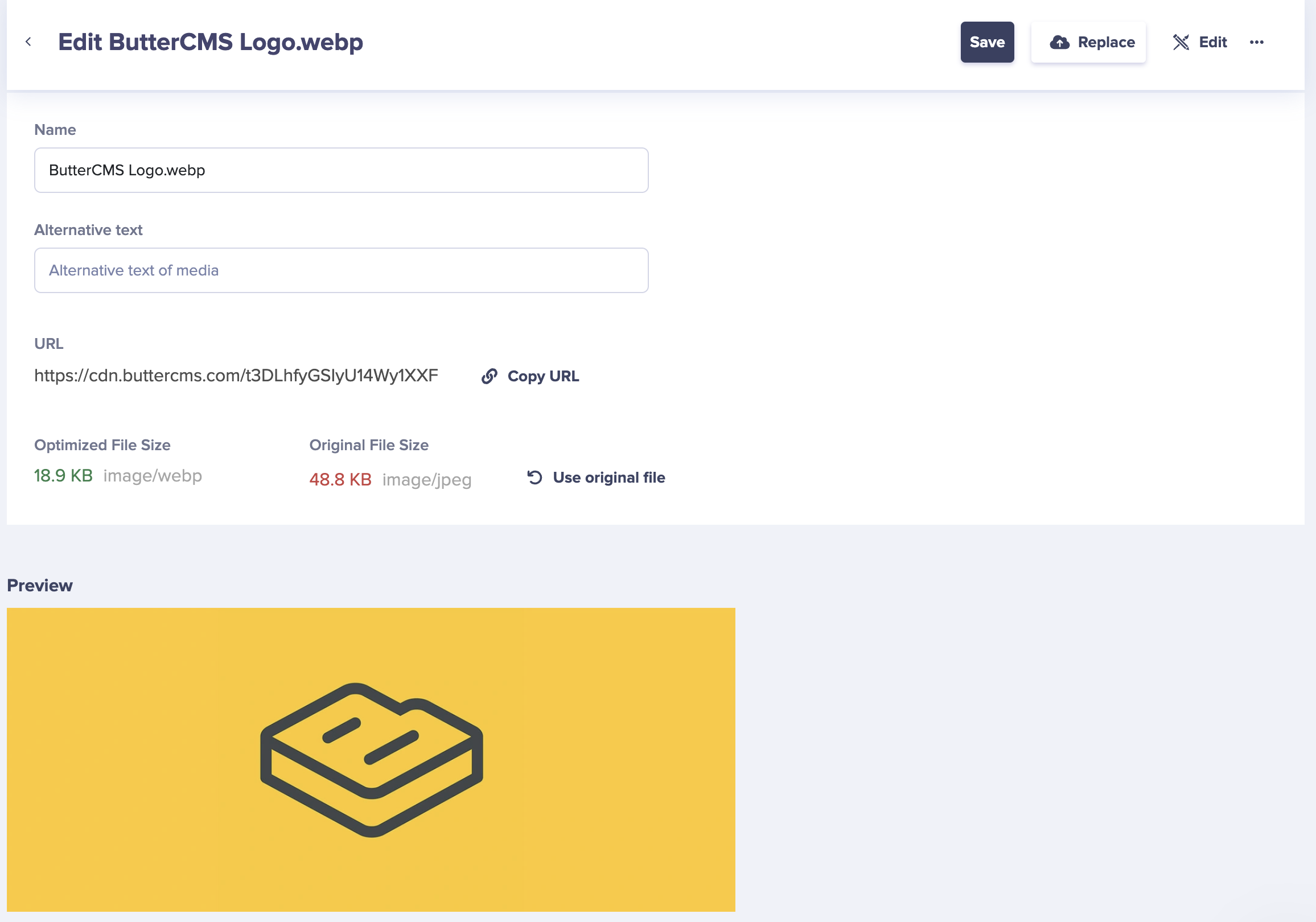
- Select the new file you want to upload and click Upload
Replace images or files in your Media Library while keeping the same URL, so updates apply everywhere the file is used.