
Fast tags
Fast Tags help you organize your media files so you can easily recall them later.Adding tags to media
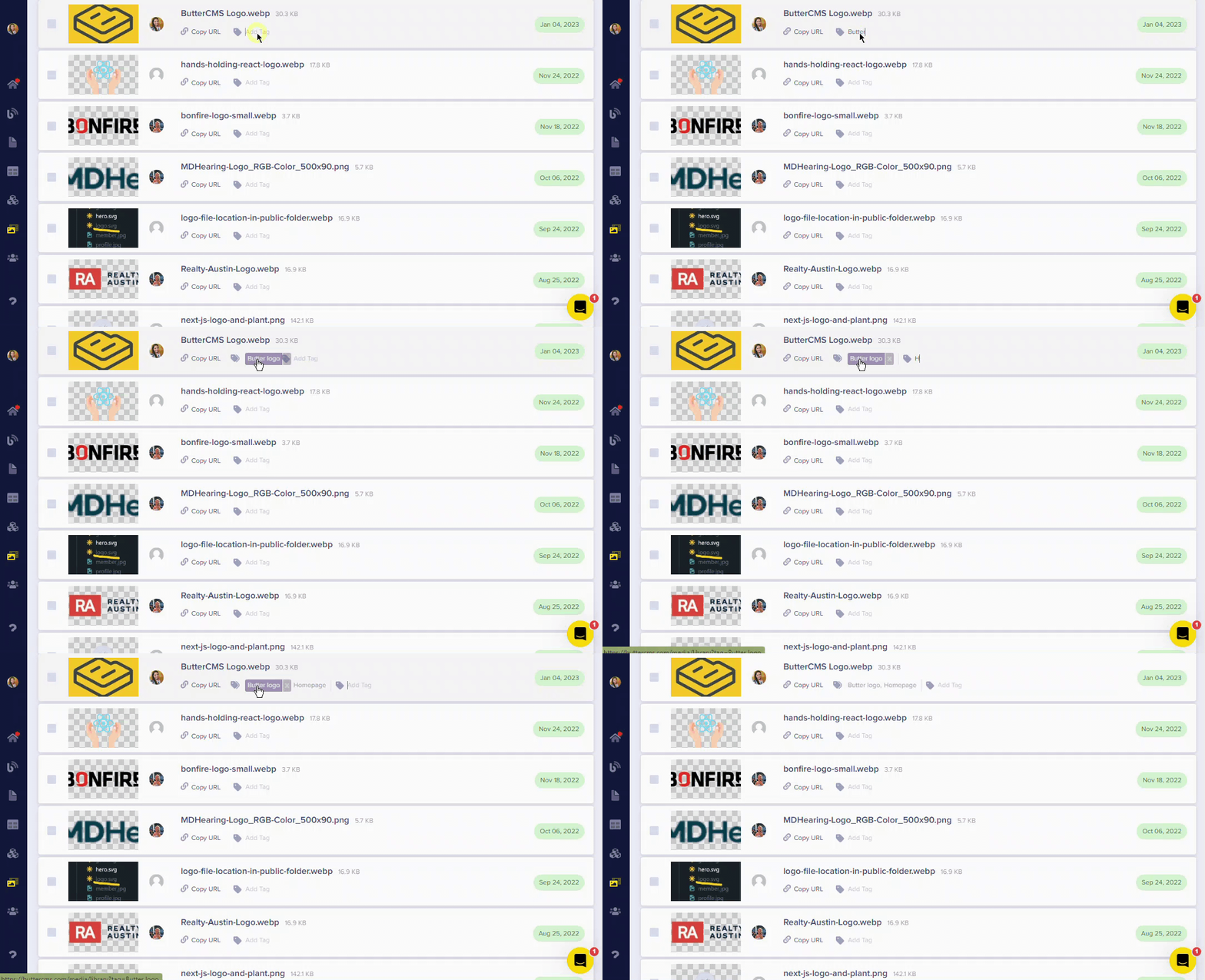
- In the Media Library, click on the tag icon next to a file
- Start typing your tag name and push Enter
- You can add multiple tags to each file
Organization best practices
Use descriptive tags
Create tags that describe content type, project, or category (e.g., “hero-images”, “team-photos”, “blog-thumbnails”)
Consistent naming
Use consistent file naming conventions before uploading
Regular cleanup
Periodically review and remove unused media to keep your library tidy
Team standards
Establish tagging conventions that work for your entire team