
How to add alt text
- Access your Media Library
- Select an image or upload a new one
- Add alt text via the “Alternative Text” field (located below the Name field)
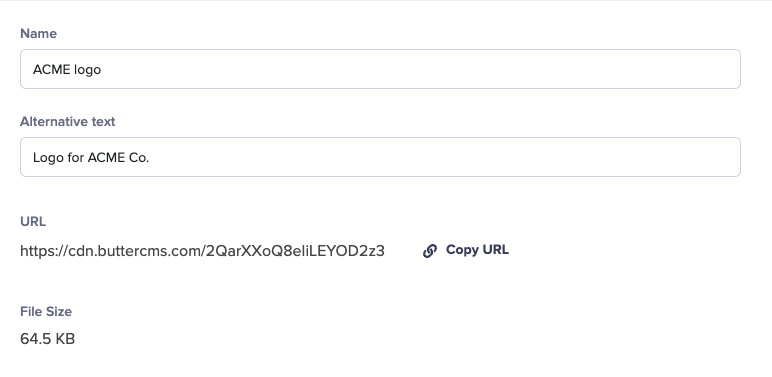
- Click the Save button to save your changes
Accessing alt text via API
To view the alternative text in your API response, include the following parameter to your API request URL or the ButterCMS API client —alt_media_text=1.
Your API response for media will look like this:
Setting alt text via the Write API
When creating or updating pages and collection items through the Write API, a Media field accepts either a URL string or an object withurl and alt. Alt text is optional and can be up to 255 characters.
alt_media_text=1, so you can fetch a page, edit the response, and send it back without losing alt text.
Sending a plain URL string for a Media field replaces any alt text previously set on that field.