Searching for files

To find media within the media library, simply search for file names, file types (.doc, .pdf, etc.), and Tags to narrow down the items shown in your media library in order to find exactly what you need.
  • File names - Search for specific file names
  • File types - Search by extension (.doc, .pdf, .jpg, etc.)

  • Fast Tags - Click on a tag to filter by that tag
Fast Tags

Filtering by tags

Once you have tags applied to your files, simply click on a tag to filter images by that tag. This makes finding specific assets quick and easy.

Sorting options

You can arrange your files by different criteria, which is especially useful for teams with multiple contributors to their blog or website:
  • Order by Date Created - See your most recent uploads first
  • Order by Editor - Group files by who uploaded them (great for teams)
  • Order by Name - Alphabetical organization
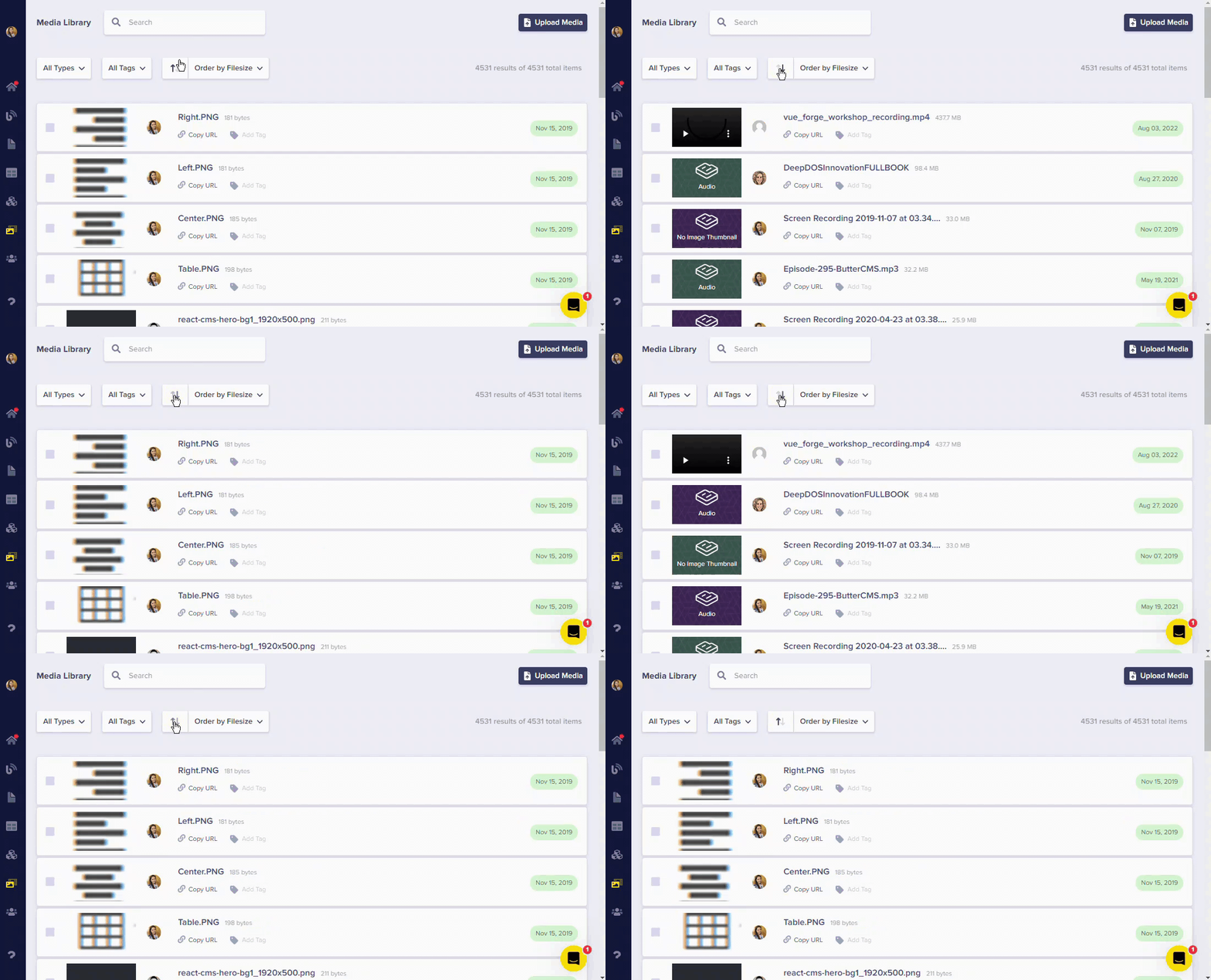
  • Order by Filesize - Identify large files that might need optimization
Sort by Filesize
Sorting by filesize allows you to easily identify which images are the largest and might need to be resized for better performance.