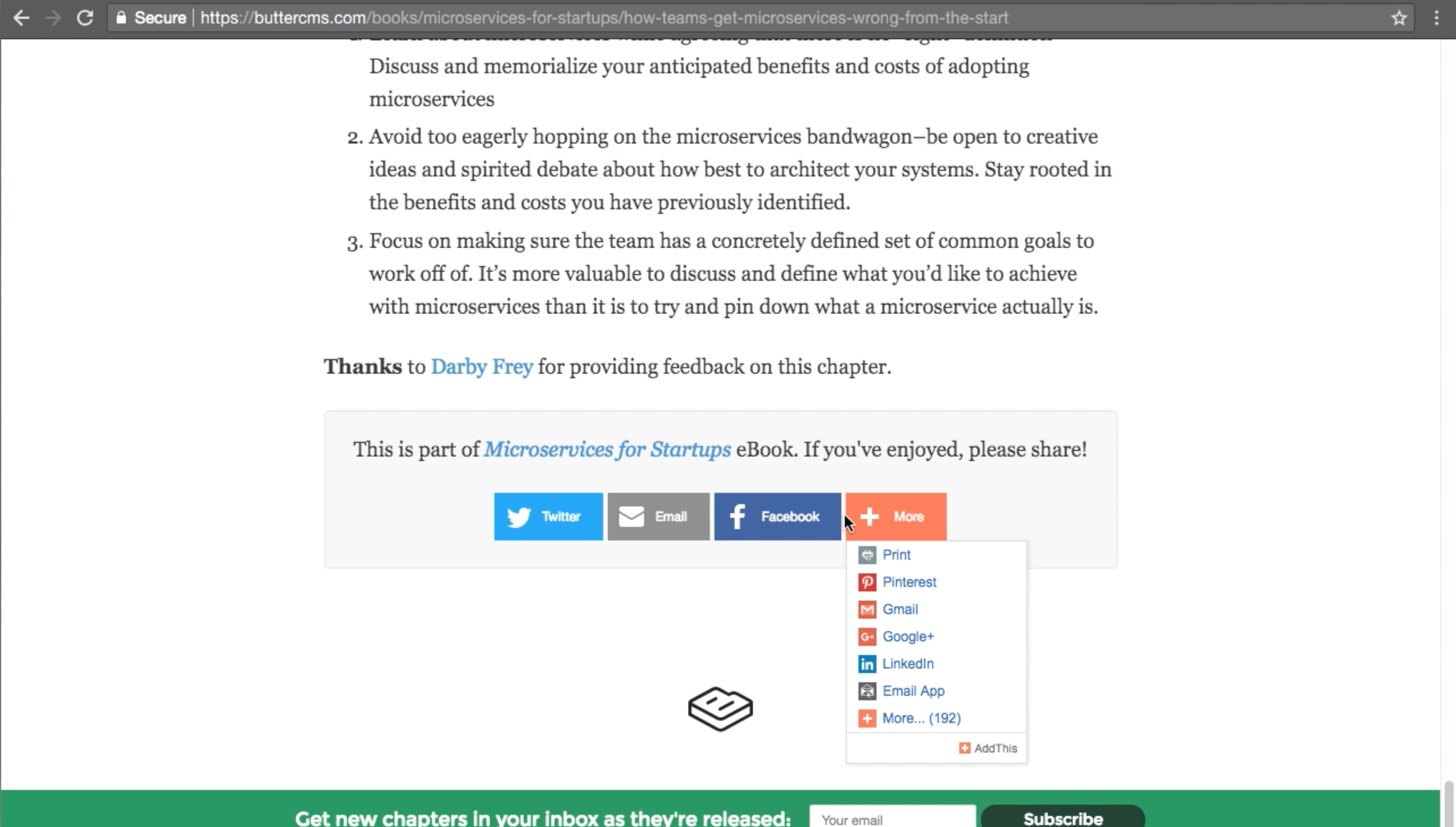
Adding social sharing buttons to your blog encourages readers to share your content and can significantly increase your reach. There are two common approaches: building your own share links using each platform’s native share URL format, or using a supported third-party widget library. Every major social platform provides a simple URL format you can use to create share links without any external library. This approach is lightweight, dependency-free, and will not break if a third-party service shuts down.
<!-- Twitter / X -->
<a href="https://twitter.com/intent/tweet?url=YOUR_URL&text=YOUR_TITLE" target="_blank" rel="noopener noreferrer">Share on X</a>

<!-- Facebook -->
<a href="https://www.facebook.com/sharer/sharer.php?u=YOUR_URL" target="_blank" rel="noopener noreferrer">Share on Facebook</a>

<!-- LinkedIn -->
<a href="https://www.linkedin.com/sharing/share-offsite/?url=YOUR_URL" target="_blank" rel="noopener noreferrer">Share on LinkedIn</a>

<!-- WhatsApp -->
<a href="https://wa.me/?text=YOUR_TITLE%20YOUR_URL" target="_blank" rel="noopener noreferrer">Share on WhatsApp</a>

Replace YOUR_URL with the current page URL (URL-encoded) and YOUR_TITLE with the post title. In most frameworks you can generate these dynamically from your post data.

Option 2: Third-party widget libraries

If you prefer a pre-built widget with analytics and styling, some actively maintained options include:
  • ShareThis — free widget with analytics, supports 40+ networks
  • AddToAny — free, privacy-friendly, supports 100+ platforms
  • Social9 — free sharing widget with customizable designs
These services provide a small JavaScript snippet you add to your page, similar to the old AddThis approach. Social sharing buttons example Social sharing implementation example